

You set two small displays side by side on the same shelf, and one reads 41% while the other reads 47%. Now you cannot tell whether the room is dry, damp or fine, which is the one question a cheap indoor humidity level checker was supposed to settle. Relative humidity is the share of the water the air could hold at its current temperature, so the same water in the air reads higher in a cold room and lower in a warm one, and a cheap unit gives you a direction long before it gives you a value. What follows covers which units are worth owning, the check that tells you whether to believe them, and the one change each reading points to.
Quick Answer
Yes, a cheap digital hygrometer reads the room well enough to show which way the air is off, but it can drift by several points and often cannot be calibrated. Put two side by side before you trust either one, and treat the number as a direction first and a value second.
What a cheap humidity checker actually reads
Before any model, look at what the little number on the display is: a percentage that moves with the temperature of the room. Carry a unit from the warm kitchen to the cold hall and the figure changes without anyone touching a window, because the water did not change, only the air’s capacity to hold it. The absolute amount of water, the part a thermometer cannot see, stays put, and the dew point, the temperature at which the air can hold no more of it, is what decides when a cold surface starts to sweat.
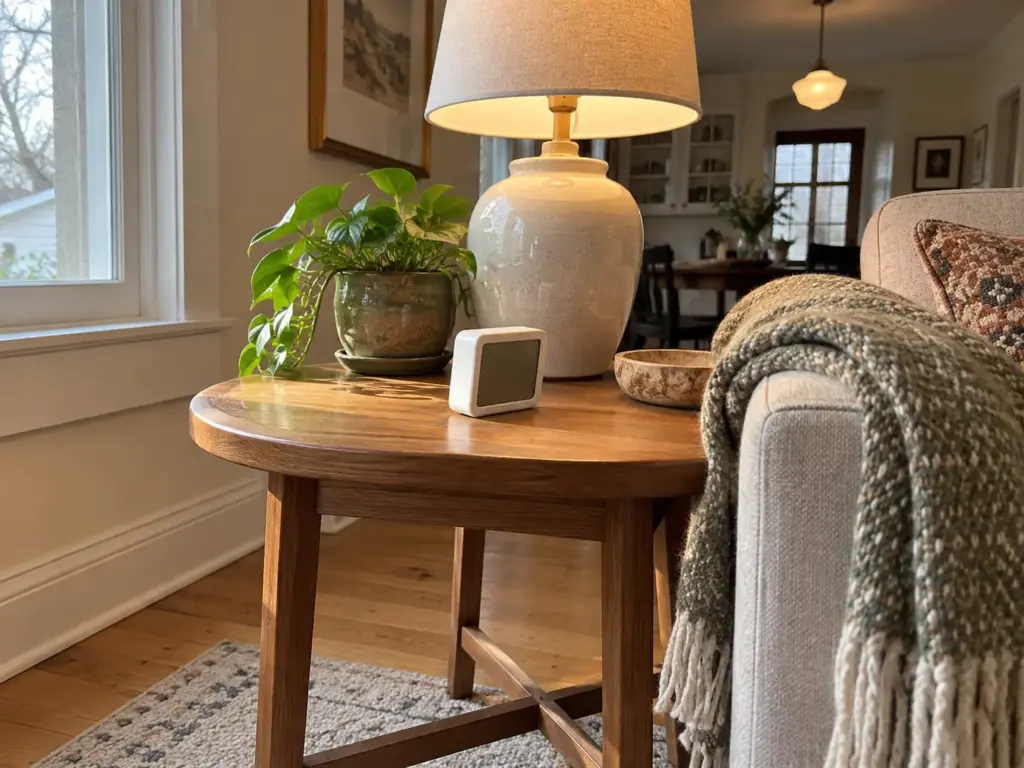
Relative humidity is a share, not an amount
Every checker in this article reports the same two readings: relative humidity in percent and temperature in °F, with °C beside it on most displays. The humidity figure is the one that decides what you do, and it is only as steady as the temperature under it. The same unit also reads a different number a few feet apart, because the air in a corridor and the air on a sill are not at the same temperature.
That makes a single glance a snapshot, not a measurement. A reading means something once you know where the unit sat, how long it sat there and what the room was doing around it.
What a cheap unit gives up
The EPA itself calls a humidity meter a small, inexpensive instrument, and that is the right way to think of one. What a low price trades away is spelled out on the listings and in bench tests: a claimed accuracy of 2 to 5 points either way, whole-number steps on some units, and on most of the cheapest no way to calibrate at all.
Owners notice. Reviews of cheap hygrometers tend to split: some buyers are happy and others complain about accuracy. Both can be true, because the units differ and few owners ever check theirs against a reference.
The band to read it against, and which way your room is off
A reading means nothing without a line to hold it against, and the two public lines agree on one thing: lower is the safer direction, and 50 is the number both of them name.
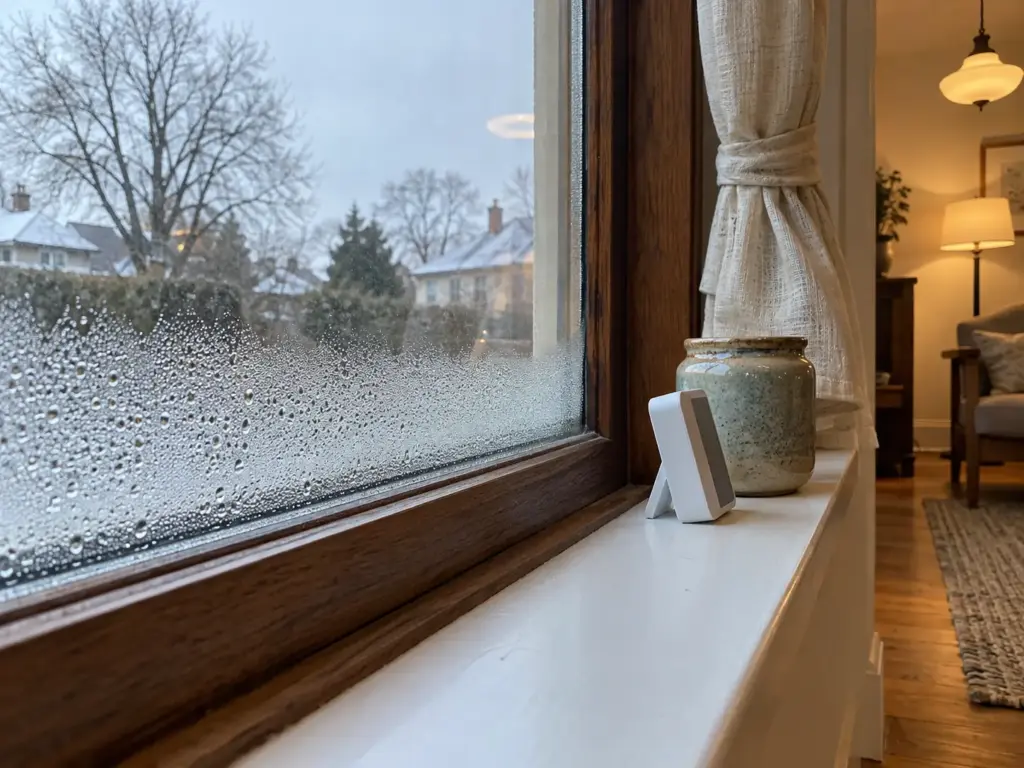
The two public lines: 60 and 50
The EPA’s own guide to mold, moisture and your home gives the first line: “Keep indoor humidity low. If possible, keep indoor humidity below 60 percent (ideally between 30 and 50 percent) relative humidity.” That is a ceiling of 60 and a target band of 30 to 50 percent.
The CDC’s guidance on mold and humidity at home draws the home line tighter: “Keep humidity levels in your home as low as you can — no higher than 50% — all day long.” The two agree that 50 is the strict ceiling and differ only on the outer 60. Both are public pages you can open yourself, which is why they are the lines used here. The ASHRAE standards sit behind a paywall, so no figure from them is printed.
One word in the CDC line changes how you use a checker: all day long. That asks for a log, not a glance. A cheap display with a 24-hour high and low, or a sensor with an app history, answers the question the line is really asking. For the longer version of the target itself, see the humidity number worth aiming for in a home.
Too damp, too dry, or in range
Name the direction before any fix, because too damp and too dry point opposite ways. Above 60, with fog on the glass, a muggy feel or a film on a cold wall, the room is too damp (a damp room is one where the humid air meets a cold surface); the EPA lists condensation or moisture on windows, walls or pipes as a sign of high humidity and says to dry the surface and cut the water source. Below 30 in January, with static snapping off the door handle, the room is too dry. Between 30 and 50, you are in range.
A caution on the band itself. In a house with single-pane glass, a reading of 50 can already be too much in a cold spell, because the window is the coldest surface in the room and it sweats first. When that happens the band is the ceiling and the glass is the instrument that tells you the real limit for that room.
The next move is one change, the free one first: run the bathroom fan longer, ventilate for a few minutes, or lower the humidifier setting, then read again before touching anything else. The full order is in the last section. For the one room that matters most at bedtime, see what humidity suits a bedroom.
Write the reading down once in the morning and once in the evening for a week, on the same shelf. A room that sits at 48% in the morning and climbs past 60% every evening has a daily source of water, and no single glance would have shown it.
Three kinds of checker and what each one trades away
The shelf looks crowded, but every checker is one of three kinds, and each kind gives up something the other two keep. Price sorts them too, in words: the plain display is the cheapest, the Bluetooth sensor sits in the middle, and the accurate sensor costs several times the plain display.
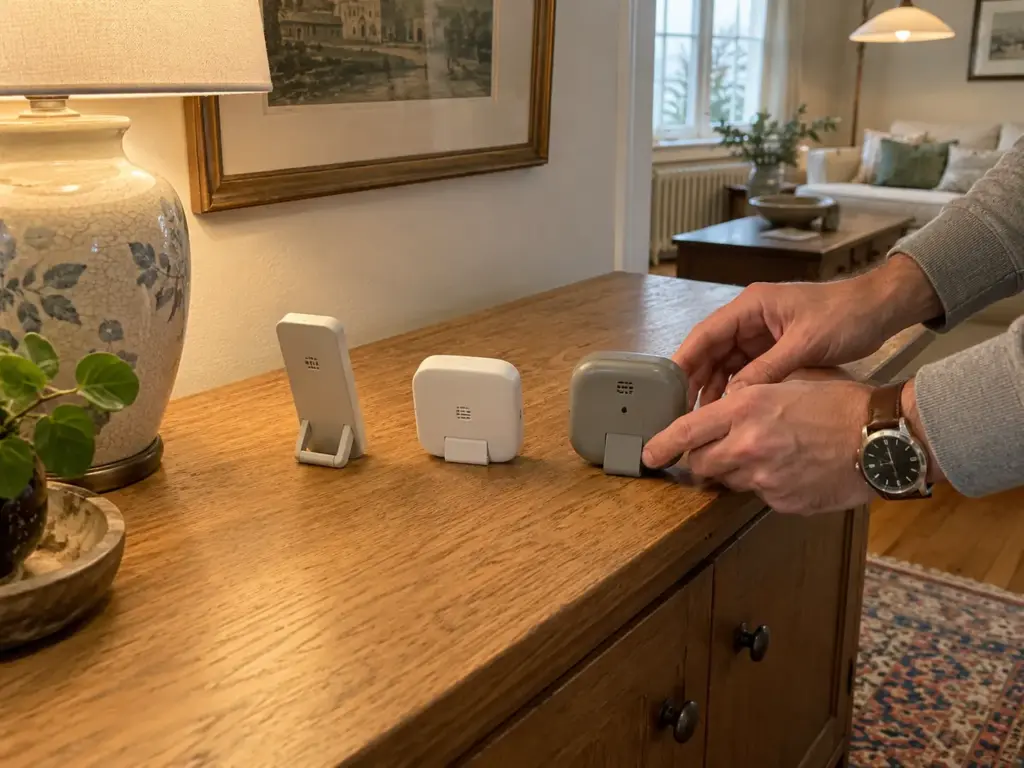
The plain display on a shelf
A plain display runs on one battery, has no app and keeps no history. It is the cheapest kind, and in Bob Vila’s hygrometer test the plain units that could not be calibrated were the AcuRite and the ThermoPro.
An analog hygrometer, the needle kind, reads without a battery and some models carry an adjustment screw, but the one in that test gave no temperature, so it sits outside this comparison. A large wall display belongs to this kind too; one is covered with the other picks below. For a sense of what the cheap end of the market gives up, see what the cheapest air quality monitors give up.
The Bluetooth sensor and its app
A Bluetooth sensor trades the glance for a phone. The Govee units keep up to two years of history and export it as a CSV file, and the app is where calibration lives.
The range is the disputed part, and the advertised figure is worth checking against your own walls. The app decides whether the sensor is still used in month two, since a sensor you have to open a phone to read is read less often than one on the shelf.
Wi-Fi, logging and the paid gateway
A Wi-Fi hygrometer adds remote access and app alerts, and a wireless hygrometer without Wi-Fi keeps the alerts inside Bluetooth range. Bob Vila’s test picked a Govee Wi-Fi model as best overall, while the SensorPush line only reaches your phone from afar by adding a paid piece: it “requires users to purchase remote Wi-Fi monitoring at an additional cost.” The data logging is the reason to pay at all, because it is the only thing that shows a unit moving away from the truth. If you want humidity, temperature and air quality in one box, read about units that read humidity, temperature and air quality together.
Where to put it in a room you can’t rearrange
Placement changes the number as much as the model does, and a rental apartment with one window unit and one shelf has fewer choices than a house with ducts and a spare wall.
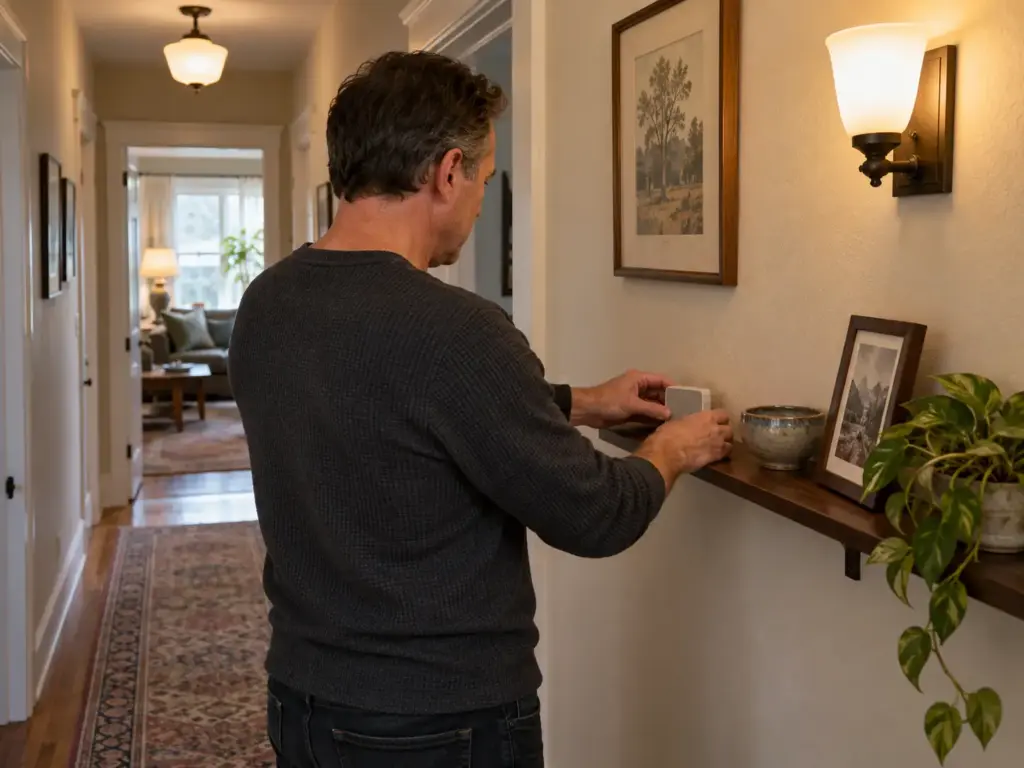
One room, one shelf
Keep the unit away from the places that move the number by themselves: a radiator or heater, a sunny window, a bathroom door and the kitchen. That is general practice, not a published standard, so treat the distances as common sense and not as a rule with a figure attached. Put it at about the height where you spend the evening, in the room that matters tonight. A unit on the bathroom shelf that reads wet every morning tells you about the shower, not about the bedroom.
The reading on one shelf also changes with the hour, and the cause is the room’s temperature, not the water. The 7 a.m. reading and the 4 p.m. reading on the same shelf will differ for that reason alone.
A display easy to read from across the room, as buyers say of the Govee H5075, helps you take the same reading at the same distance each time.
Give a new unit a day or two
Humidity sensors take time to stabilize. Units kept in the same place usually read closer to each other after a day or two. A sensor set down and read in the first minute is a snapshot of the hand that carried it, so the first reading of the day it arrives is the one to ignore. The longer version of this routine is in how to measure indoor humidity at home.
The two-unit check, before you trust either one
If you only buy one thing besides the first unit, it is a second one, because two readings in the same spot tell you more than any spec sheet.
Two side by side, then move one
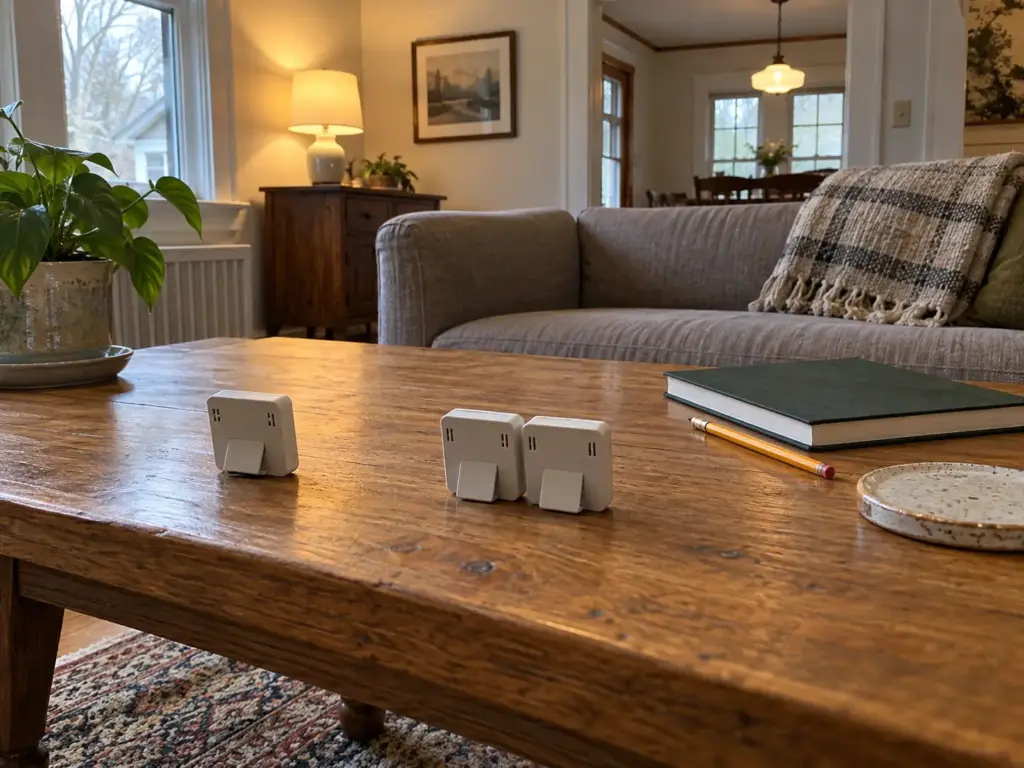
The simplest check needs nothing but a second unit: put both together in the same spot until they settle at the same reading, then carry one to the other room. If they agree on the shelf, any difference you see later belongs to the rooms, not to the units. If they disagree on the shelf, you have your first answer for the price of a second battery.
What “matching” looks like is not a number to memorize. It is a spread that stays put.
Write down the gap between the two on day one; what to watch for afterward is the gap changing, growing in dry air or flipping its sign, not the gap existing. A constant offset is a bias you can live with. A moving one means one of the units is reading something other than the room.
The free check some guides give first
Before you buy a second unit, there is a no-cost check that guides often name: the ice cube test. Drop a few ice cubes in a glass of water and watch the outside of the glass. If it fogs, the room’s air is humid; if it stays dry, the air is on the dry side.
It shows direction only, never a value, and it misleads in a kitchen, where steam is part of the reading. It earns a place because it costs nothing and gives you a direction to compare the cheap unit against.
A third as the referee
Two units that disagree leave you with a coin toss. When two hygrometers show different results by a significant margin, get a third one as a referee. Two against one settles the question cheaply. The other exit is a certified and calibrated unit, which costs more.
Some disagreement is not a defect at all. When several displays from one pack all read differently, check the datasheet: a stated tolerance, such as plus or minus 5 percent for humidity, means a spread inside that tolerance is inside the spec. The second unit pays for itself the first dry week, when the two start to disagree and you learn how much.
Pick one of the two units as the reference and put a piece of tape on it. When the spread changes, you will know which one you are moving and which one you are comparing against, and you will not trade their roles halfway through the month.
The sealed-bag and salt checks
Two stricter tests exist, and both are slower. A sealed bag with a humidity pack of known value (69% is a common one) holds a steady reading that a meter can be checked against. Cheap units can land close to that point, but the result depends on the unit. In the second, Bob Vila’s hygrometer test sealed salt and hot water next to each unit in a sealed container, left them in a closet for 24 hours and adjusted every unit that allows it. That is a method, not a standard, and not one every rental closet can host.
Salt tests of a batch of cheap units show where they are weak: most read close to the reference, and the misses are usually small. The comment read, “Measuring 25 to 75% humidity at 20 to 30°C is pretty easy to be accurate at.” The middle of the range is where a cheap unit does its best work. The edges are where it gives up, and a room that never goes near an edge is the room these units were made for.
How far off a cheap checker can be
The box says plus or minus three, the bench says seven low, and the room needs to know which one to believe.
Claimed against tested
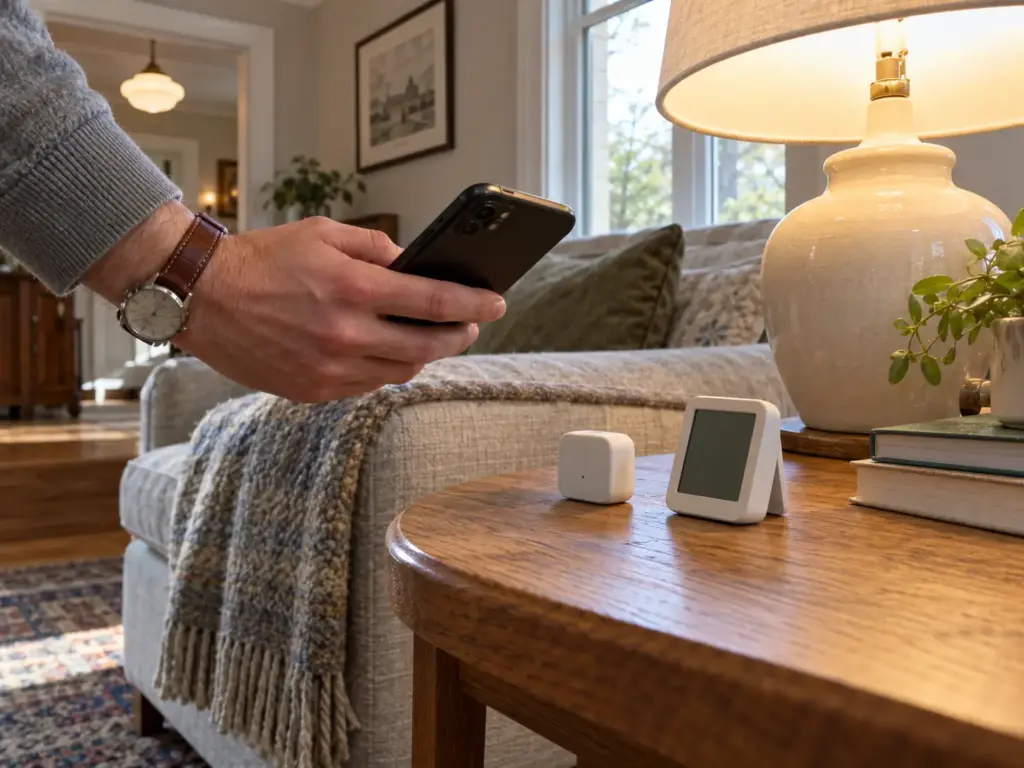
The claims on the listings are tight. The Govee H5075 states plus or minus 3 percent relative humidity and 0.5°F (0.3°C). The ThermoPro states 2 to 3 percent and 1°F (0.6°C).
The SensorPush HTP.xw gives 1.5 percent typical and 2 percent at most, which are the listing’s own figures for that model and not those of the SensorPush Bob Vila tested. AcuRite’s claim, as quoted in the test, is 3 to 5 percent.
Then the bench. In Bob Vila’s test the AcuRite was the least precise of the models, “without ours reading about 7 percent lower than actual levels, and it cannot be calibrated to improve the precision.” The ThermoPro came in “about 5 percent off actual humidity levels and cannot be calibrated.” Put next to the claims, that is a 7-point miss against a claimed 3 to 5, and a 5-point miss against a claimed 2 to 3.
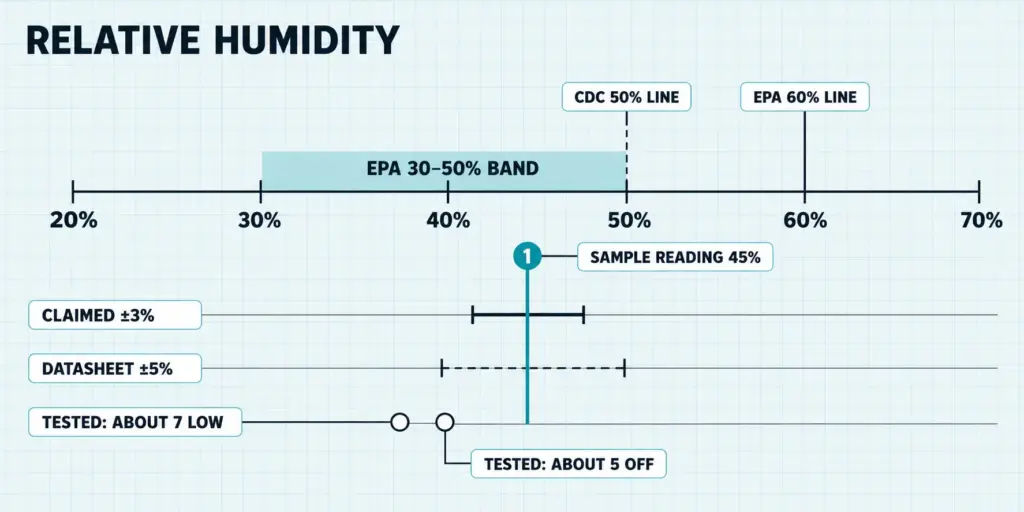
Those misses matter because of where the public lines sit. A unit that is 7 low and shows 43 is sitting in a room at 50, the CDC’s ceiling. The same unit showing 55 is in a room past the EPA’s 60. Neither owner would see a problem on the display, and both would be reading a number that looks comfortable.
What calibration fixes, and what it cannot
Calibration fixes an offset: a value you can set in an app, as on the Govee units, or with a screw or a knob on some displays. It cannot fix a unit with no setting at all, which is the case for the plain AcuRite and ThermoPro in the bench test. It also cannot fix an error that changes with the humidity, since an offset shifts every reading by the same amount and a drifting error is not the same amount.
That last case is the one a single check will never catch: a unit that reads right at 50 and wrong at 30. The salt test and the sealed bag test one humidity each, and a dry January reading is the other end of the range. For the neighbor question of how far home monitors in general can be trusted, see how accurate home monitors are in general.
The plain display and the Bluetooth sensor: the two picks
If the answer is a cheap unit, there are two honest ways to buy one: a display you read at a glance, or a sensor you can calibrate in an app. The free fix and the check come first, in the section above; the product follows the problem.
The plain display most people can read at a glance
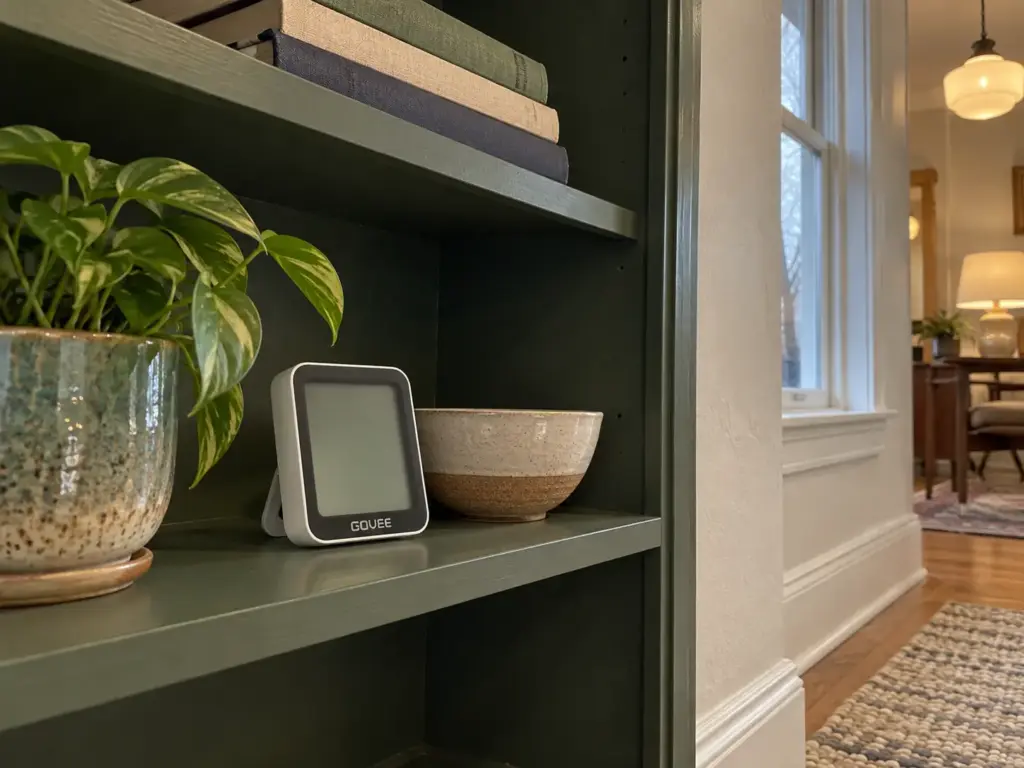
The AcuRite 00613 is a tabletop display that runs on one AA battery, keeps a 24-hour high and low, and lists an operating range of 16 to 98 percent humidity. It has no app and no calibration. It is listed as a five-pack, which suits the two-unit check, since you buy the second and third unit in the same box.
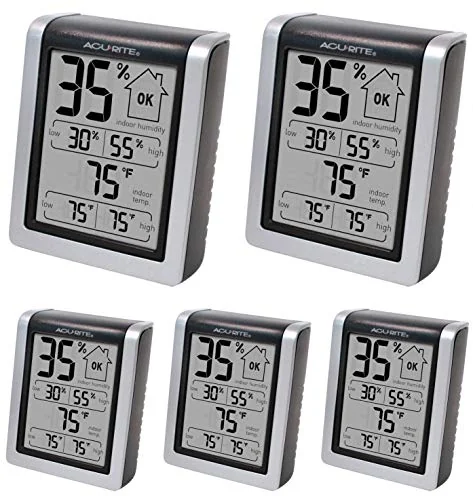
A caution about the evidence: the unit in Bob Vila’s test is an AcuRite indoor temperature and humidity monitor with no model number given, so it matches the 00613 by class (one AA, a display, a tabletop) and not by name. Some units in this class read noticeably low and cannot be calibrated, so a second unit is a better check than any single reading.
For a direction, the plain display does the job and a cheaper unit would do the same one. If you want to correct the number, you need the one you can adjust.
The Bluetooth sensor you can calibrate
The Govee H5075 is the cheap sensor that can be corrected. It reaches your phone by Bluetooth within a listed 196 feet, runs on two AAA batteries, and keeps two years of history you can export as a CSV file. Bob Vila’s test found it arrived near-calibrated and was easy to adjust in the app, which is the point of buying it.
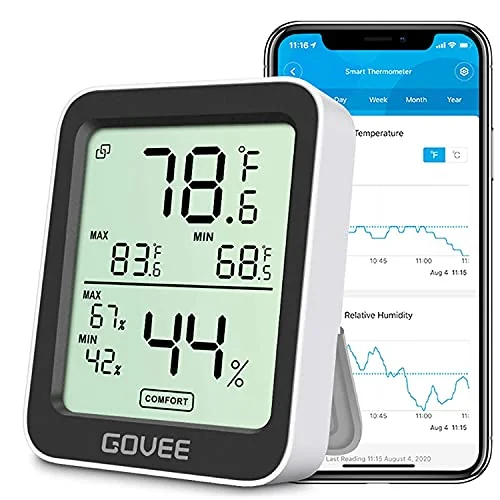
The catches are written down. Bob Vila notes it measures water vapor percentage in whole numbers only. The Bluetooth range can fall short of what the box claims, and the high and low on the display are all-time marks that never reset.
Buyer reviews of budget units often mention drift or failure within months, so the warranty and the return window matter more than the box claims.
So the obvious pick is not always the right one. A calibrated sensor you set once and never recheck can be further from the truth than a plain display sitting beside a second plain display. Buy the one you can adjust if you intend to adjust it.
Logging, the tight claim and the big numbers
Three more units earn a line each, because each does one job the first two do not: keep a history, claim the tightest accuracy, or print the biggest digits.
The Wi-Fi unit that keeps a history
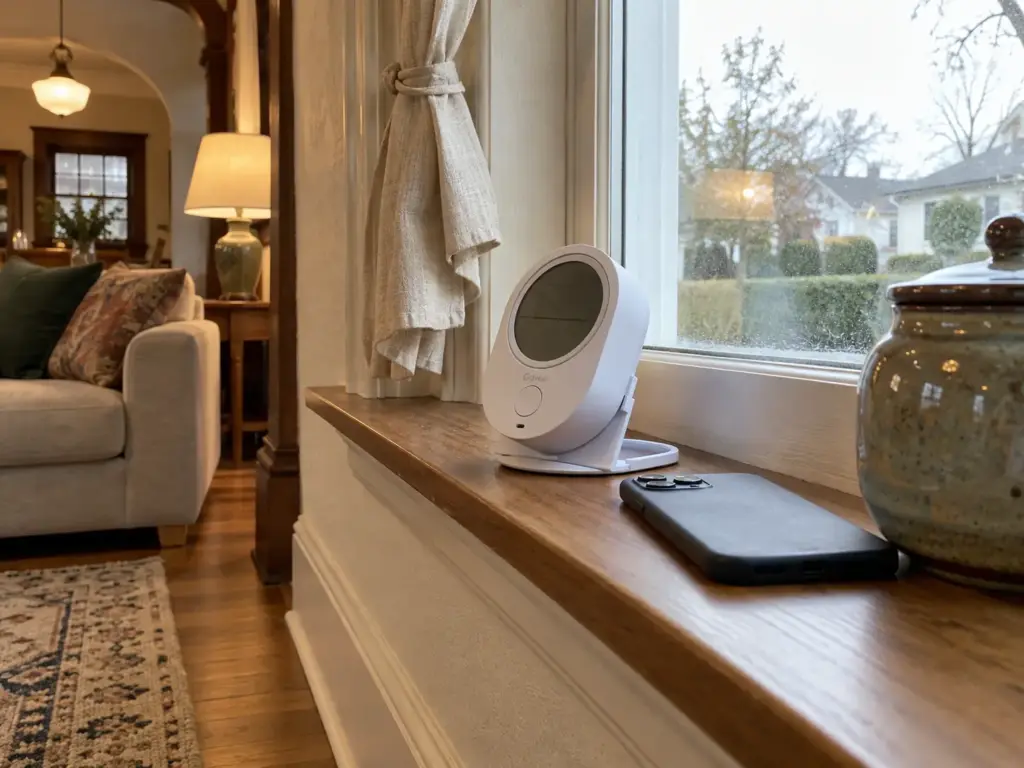
The Govee H5051 adds Wi-Fi to Bluetooth, stores up to two years of data, exports it as a CSV file and sends app alerts for humidity, temperature and a low battery. Bob Vila called it the best overall and found it the closest to calibrated on arrival. The reason to want it is the history graph, because one reading never shows drift and a few weeks of readings do.
The battery is where it costs you: the unit takes a single cell that the test called a “somewhat annoying replacement.” Its listing is here.
The accurate sensor and its battery
The SensorPush HTP.xw has no display and is water resistant. Its listing claims plus or minus 1.5 percent relative humidity typical and 2 percent at most, which is the tightest claim among these units, and a coin cell rated for over two years in typical conditions. It is not the HT.w that Bob Vila tested, so the listing’s figures are the ones that apply.
Remote access needs a paid gateway, and a loose battery fit can stop the sensor until it is reseated. In a hot climate the cell can last well under a year. The SensorPush listing is the place to check the model before you order.
The big-number display
The ThermoPro TP55, listed today as the TempAir, has a four-inch touch display with large numerals, backlight, and 24-hour and all-time highs and lows on two AAA batteries. It claims 2 to 3 percent humidity and 1°F (0.6°C). Bob Vila found it about 5 percent off actual humidity levels and uncalibratable, and thought it was likely to be accurate enough for most people.
The battery note matters here too: rust at the battery connection shows up in units running the batteries they came with. Here is the TempAir listing.
| Model | Type | Claimed accuracy | Calibration | The flaw |
|---|---|---|---|---|
| AcuRite 00613 | Plain display | 3 to 5 percent RH | Not possible | Class read about 7 percent low in a bench test |
| Govee H5075 | Bluetooth sensor | Plus or minus 3 percent RH | In the app | Whole-number humidity; reports of early failure |
| Govee H5051 | Wi-Fi and Bluetooth | Plus or minus 3 percent RH | In the app | Battery replacement is fiddly |
| SensorPush HTP.xw | Bluetooth, no display | 1.5 percent typical, 2 at most | In the app (on the HT.w tested) | Loose battery contact; paid gateway for remote access |
| ThermoPro TP55 (TempAir) | Large touch display | 2 to 3 percent RH | Not possible | About 5 percent off in a bench test; rust reports at the battery |
The table puts the price question in the right place. If all you want is a direction, the cheap plain display is enough, and the accurate sensor costs several times as much for a precision you may never use.
After month two: drift, batteries and the dry season
Reviews are written the week the box arrives, and the problems this section covers show up weeks later: the unit that starts to disagree, the battery connection, the dry spell that exposes a bias.
The dry-season gap
Picture two units that matched in October and do not in January. Two units of the same type can drift apart by a noticeable margin, and the gap tends to show up when the air is dry. It is one person’s account and should be read as one. It fits what you would predict, because the dry end of the range is where a cheap sensor has the least to work with.
Several units kept in one container can spread apart while every battery still shows full in the app. A full battery does not rule drift out. The listings and the bench test print an accuracy figure but no rate of drift per month, so there is no number to hold a unit against; the only drift figure you will ever have is the spread between two of your own. The cause of the winter drop itself is covered in why indoor humidity drops in winter.
Batteries and connections
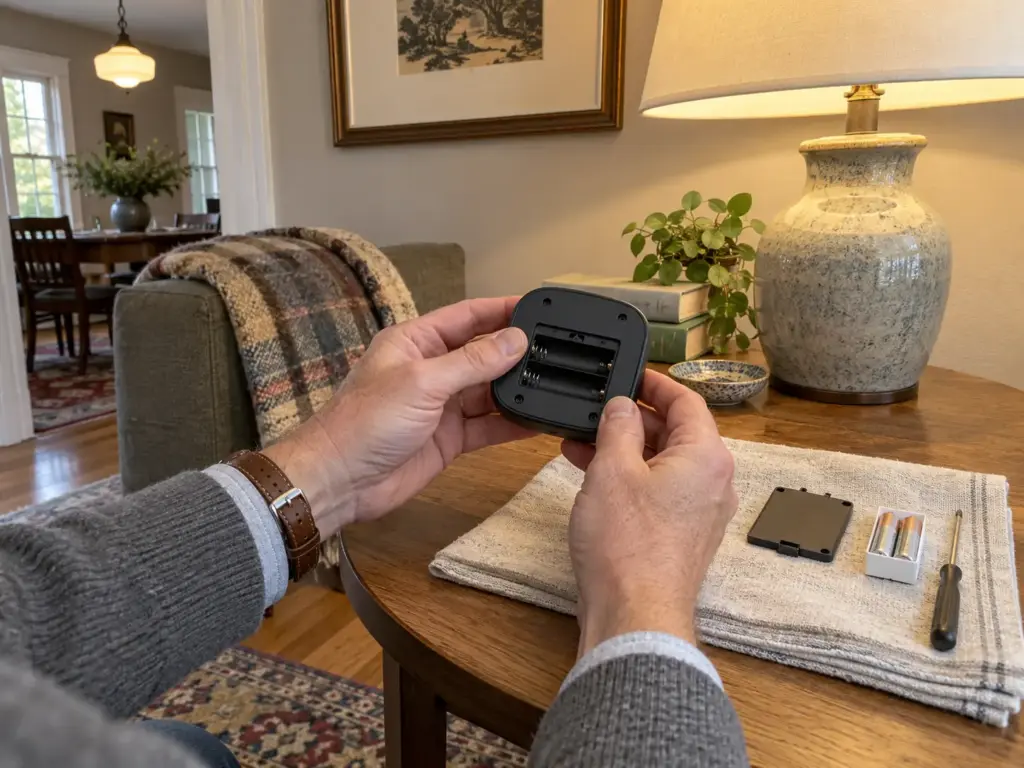
The reports point at the same part. A cell that is not tight enough in its contact stops the unit until the fit is fixed. Amazon’s summary of the Govee H5075 reviews says several buyers report it stopped working within 6 months. And on the ThermoPro line, rust at the battery connection shows up in units running the batteries they came with.
A battery problem is the easier failure to catch: a unit that stops reporting is obvious, and a unit that reports the wrong number with a full battery is not. When the contact looks rusted, swap in good batteries before you blame the sensor, then run the two-unit check again.
Change the batteries in both units on the same day and write the date next to the gap. A spread that opens afterward is not about the batteries, and a spread that closes was.
Lost calibration with no warning
Some units lose their calibration without any warning, and no low-battery light tells you. For the same reason the check belongs on a calendar, not in memory: read the two units side by side again after a dry week and after a battery swap, and write down the new gap next to the old one.
When one closet reads wet and the rest of the house doesn’t
A reading that is high in one place and normal in the next room is not a measuring problem anymore; the checker has found the part of the building that holds water.
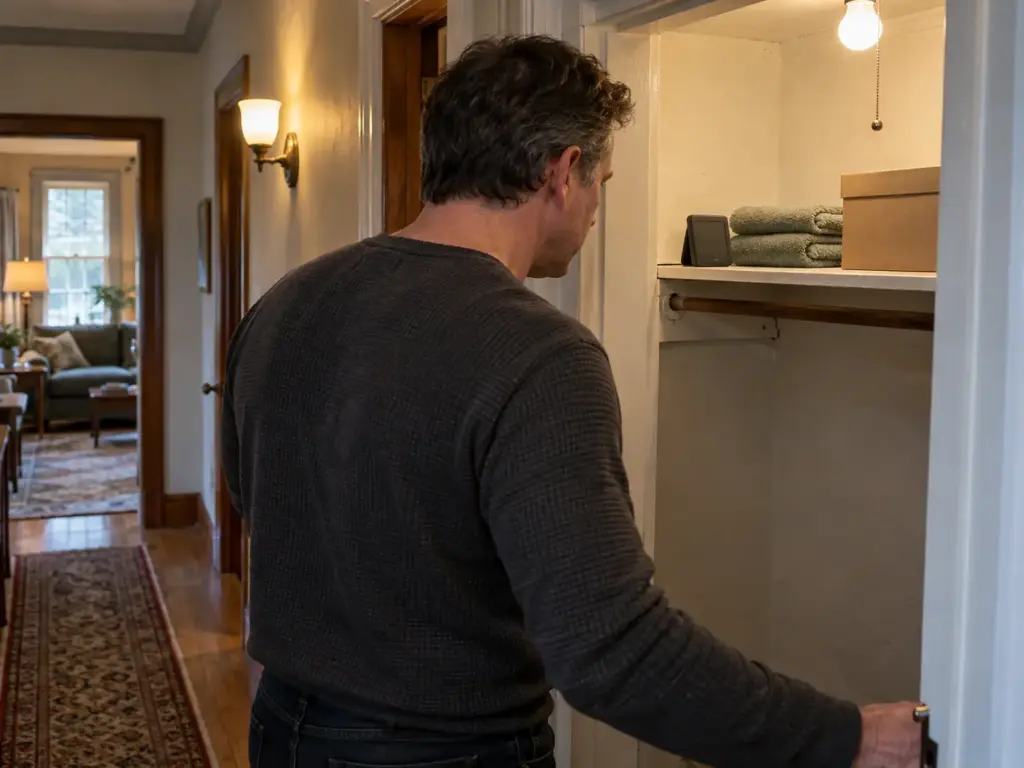
One reading is high, the room is fine
A common case: one closet backs onto an outside wall, and the question is whether it runs more humid than the same closet elsewhere in the house. The useful step is not a bigger machine but a surface moisture meter pressed to the back wall. If the closet reads humid while the living room sits in range, the hygrometer is pointing at a wall, not at the air.
Closets are often the coldest, least ventilated pockets of a house, which is why a wall problem tends to show up there first.
Check the unit, then the wall
Check the instrument first. Move the unit to the next room and back, which is the two-unit check from the section above. If both units agree about the closet, it is the closet.
The EPA’s line applies as it did earlier: condensation or moisture on windows, walls or pipes is a sign of high humidity, and the instruction is to dry the surface and cut the source. The source is the real question, and a hygrometer does not find it by itself. For the wet-glass version, see how to stop condensation on windows and walls.
The next step is a surface moisture meter, and for a wall that stays wet, a professional. A dehumidifier is the wrong first move here: it lowers the reading without touching the water behind the wall. The cases worth naming are mold behind drywall, water intrusion from a leak and a cold exterior wall, and the repair for each belongs to someone who can open the wall. For the damper end of the house, there is more in damp basements and what causes the humidity.
What a humidity checker leaves out
A humidity and temperature reading answers one question, and four neighbors need their own instrument. CO2, particles, VOCs and radon are not in this number, and a room can read perfectly in range and still feel stuffy, which is the CO2 reading’s job. If that is your room, start with how to choose a home air quality monitor.
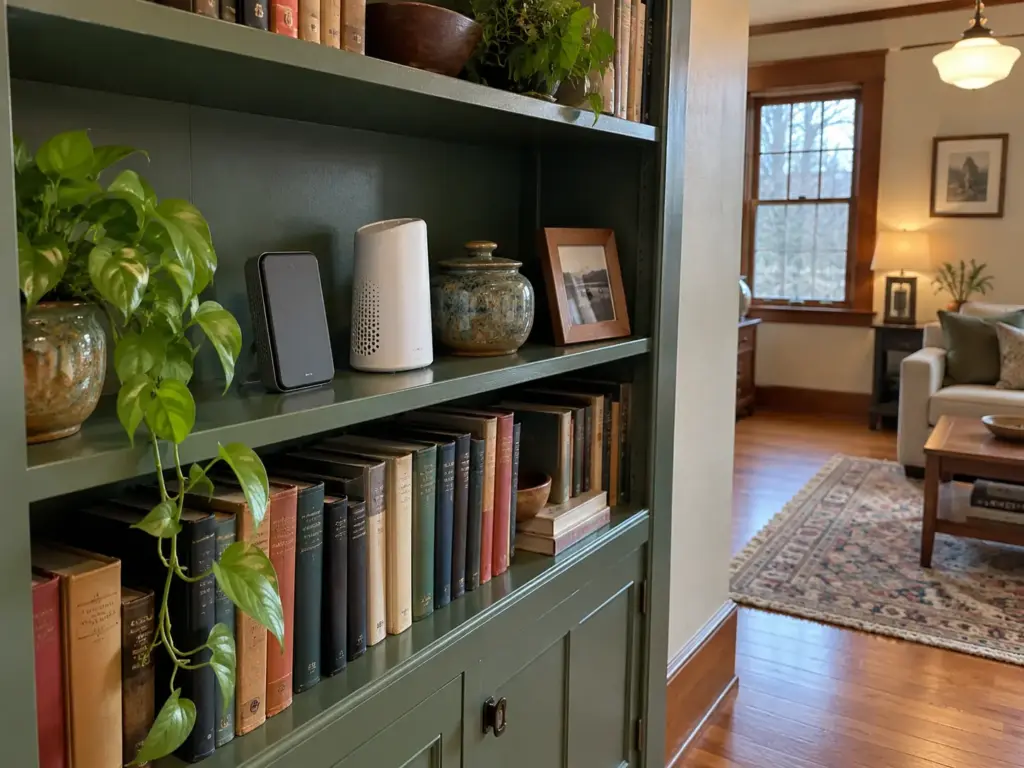
Two narrower cases have their own guides. A basement has its own conditions and its own readings, covered in basement humidity sensors. A temperature monitor for a nursery is a separate buying decision, covered in nursery temperature monitors.
The one change the reading points to
The last section is the reason to own a checker at all: the number points one way, and that direction picks the single change to make first.

The room reads damp
The free changes come in order, each followed by a reading. Run the bathroom fan longer, and make sure it vents outside, because a fan that ends in the attic only moves the water to a colder place. Then ventilate for a few minutes, then reduce the source, such as the drying laundry or the kettle. Read again after each one.
The CDC’s line is the target: as low as you can, no higher than 50 percent, all day. The free fixes are laid out in how to lower humidity at home.
The first change usually overshoots or undershoots, which is why the reading goes in between. Only when the free steps leave the room above the line is it time for a machine, and what to look for in a dehumidifier before you buy is the next decision.
The room reads dry
Read before you touch the humidifier. The winter drop is the usual cause, and the humidifier setting is the one dial you control. Change it by one step, wait, and read again; if the window glass starts to fog, the setting went too high. Whether a low number is a problem at all is the topic of whether indoor humidity can be too low.
If one room reads damp and another reads dry at the same time, the cause is more likely the building than the air (see the closet section above), and the right answer is not a purchase. The best fix often costs nothing: an open window or a longer fan run does more than a new gadget.
Change only one thing per day and read the checker the morning after. A room needs time to settle after any change, and a reading taken a few minutes after the fan stops is still the old room.
Put a second unit on the shelf, then change one thing
Three points carry the whole article. A cheap unit shows direction, and direction is enough to choose the first change. A second unit beside it tells you how far to believe the number. And a closet that reads wet while the rest of the house does not is pointing at the building, not at your device.
Read the two units side by side again after a dry week and after the batteries are swapped, because what drifts, loads or wears in a sensor shows up in the gap between two readings and nowhere else. Tomorrow, set the two units on one shelf, write down the gap, make the one free change your reading points to, and read both again the morning after.
Frequently Asked Questions
01What is the best home humidity level tester?
The best tester is one you can check against a second unit: a Bluetooth sensor with app calibration to correct the number, or a plain display for direction. Set either one beside a second unit for a day or two before you trust it.
02What is a reasonable indoor humidity level?
A reasonable indoor humidity level is below 60 percent, ideally between 30 and 50 percent relative humidity, according to the EPA. The CDC asks for no higher than 50 percent all day long, so log the reading across the day instead of checking it once.
03Do cheap humidity meters work?
Yes, for direction: cheap meters show which way the room is off, with a margin of several points either way. Some cannot be calibrated, so check two against each other before acting on a precise number.
04Is 63% humidity in a house a good level?
A reading of 63% is above the EPA’s 60 percent guidance, so look for fogged glass or damp walls and find the water source before changing anything. Then change one thing and read again.
05Why do two humidity checkers in the same room show different numbers?
Two checkers in one room differ mostly because of tolerance, settling time and placement. Leave them side by side a day or two.