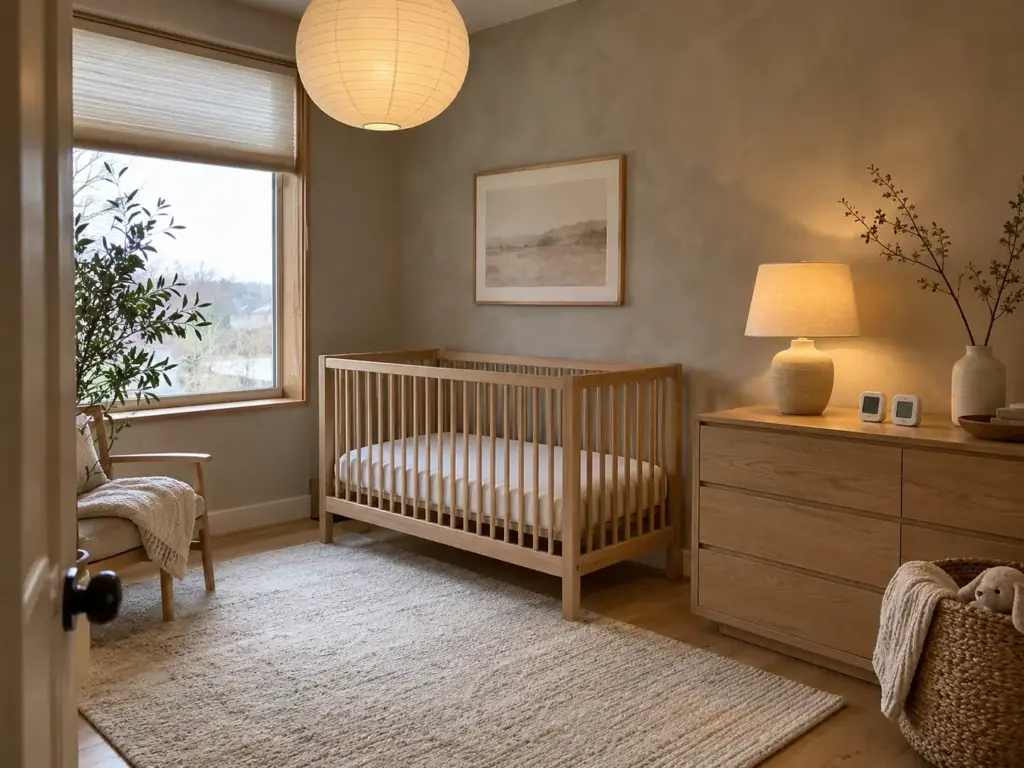
The wall unit says 74 °F (23.3 °C), the little thermometer on the dresser says 71 °F (21.7 °C), and now you cannot tell which number to believe while you are choosing the best baby room temperature monitor. A sensor reports the few inches of air around itself, not the room, so a unit screwed high on the wall, or tucked beside a camera that gives off its own heat, reports its own corner. What temperature your baby needs is a question for your baby’s pediatrician; this guide stays with the room’s number and the device that reads it. Five monitors sit side by side below, and the sections after them explain the one check that decides whether any of them earns its spot.
Here are the five, with the weak point of each in the last column.
| Monitor | What it reads | How it alerts | Power and link | Where it falls short |
|---|---|---|---|---|
| AcuRite 00613 | Temperature and humidity; stated margin about ±2 °F (±1.1 °C) | None, display only | One AA battery | Widest stated margin of the five, so it is a trend unit, not a referee |
| Govee H5075 | Temperature and humidity; stated ±0.54 °F (±0.3 °C) | Phone alert inside Bluetooth range (164 ft claimed) | Bluetooth to the phone | Customers report several units stopping within six months |
| ThermoPro TP55 | Temperature and humidity; stated ±1 °F (about ±0.6 °C); 10-second refresh | None, backlit touchscreen | AAA battery included | One review says others call it inaccurate |
| Govee H5051 | Temperature and humidity; stated ±0.54 °F (±0.3 °C) | Phone alert over Wi-Fi, also away from home | 2.4 GHz Wi-Fi only | Wi-Fi drops often; battery life from over a month to under one |
| SensorPush HTP.xw | Temperature, humidity and dew point; 30 days logged on the unit | Phone alert; away from home needs the G1 gateway | Bluetooth; gateway sold separately | Bluetooth reception is poor for some; the gateway is a second purchase |
What a nursery monitor reads, and what its number leaves out
Every nursery temperature monitor in the table is really a thermo-hygrometer: it prints a temperature and a relative humidity, and the line worth reading on a listing is the one that says how far off the number can be. Display, battery and app come second to that. First, what the digits on the screen are.
Temperature, humidity and the refresh
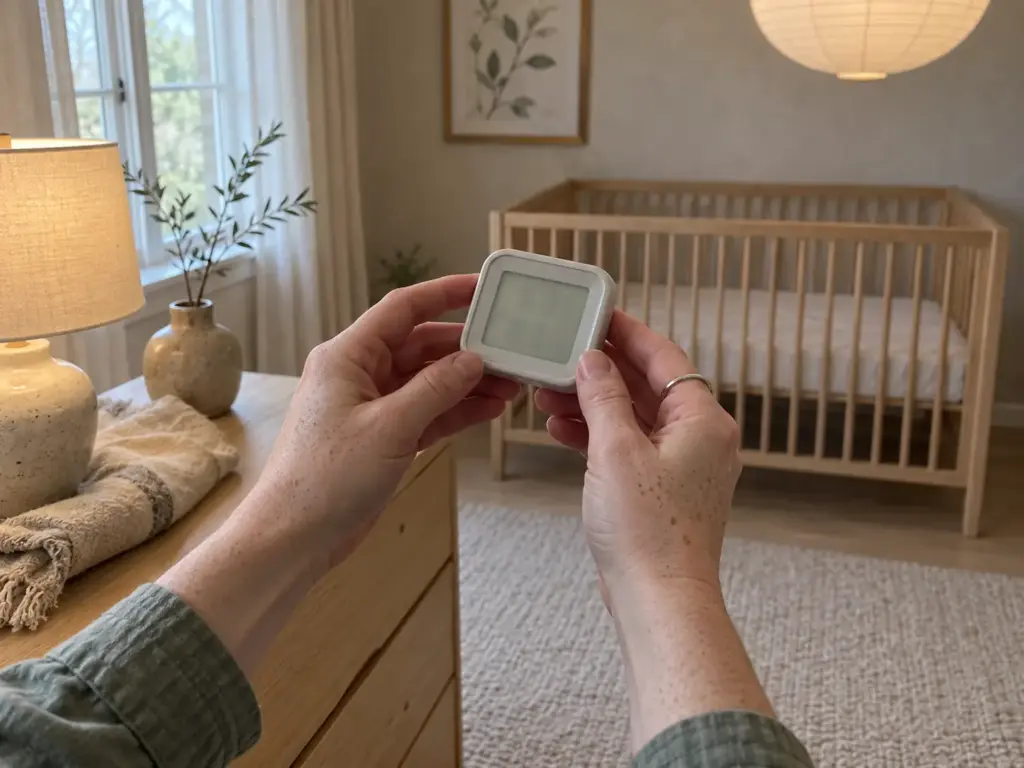
All five report temperature in °F or °C and relative humidity as a percent. The ThermoPro TP55 has a refresh rate of about every 10 seconds, according to its listing, and the last digit moves more often than that sounds: air drifting past the sensor nudges it, so one glance from the doorway is a snapshot, not a reading. Humidity rides along as the second half of the screen and gets its own section later, but the temperature is what you are buying these for.
The margin the maker prints
Stated margins differ more than the screens do. The TP55 lists ±1 °F (about ±0.6 °C). Both Govee units, the H5075 and the H5051, list ±0.54 °F (±0.3 °C), and the AcuRite 00613 lists ±1.1 °C, which is about ±2 °F. Those are the makers’ claims, taken from their listings, and none of them is a measurement of your room; that comes in the crib-height check below.
A short test can praise a unit, and in a real room the same unit’s alert may be switched off by the second day. The number on the box is week one.
Owners ask the same question about every family of sensor, and how accurate home monitors really are has the longer answer.
Why the wall monitor and the baby camera read warm
The two most common nursery sensors sit exactly where a sensor misleads: high on the wall, or inside a camera that warms its own housing. Neither is a defect you can see on the unit. Each is a question of sensor placement, and a sensor that reads a corner cannot be fixed by a better model.
High on the wall
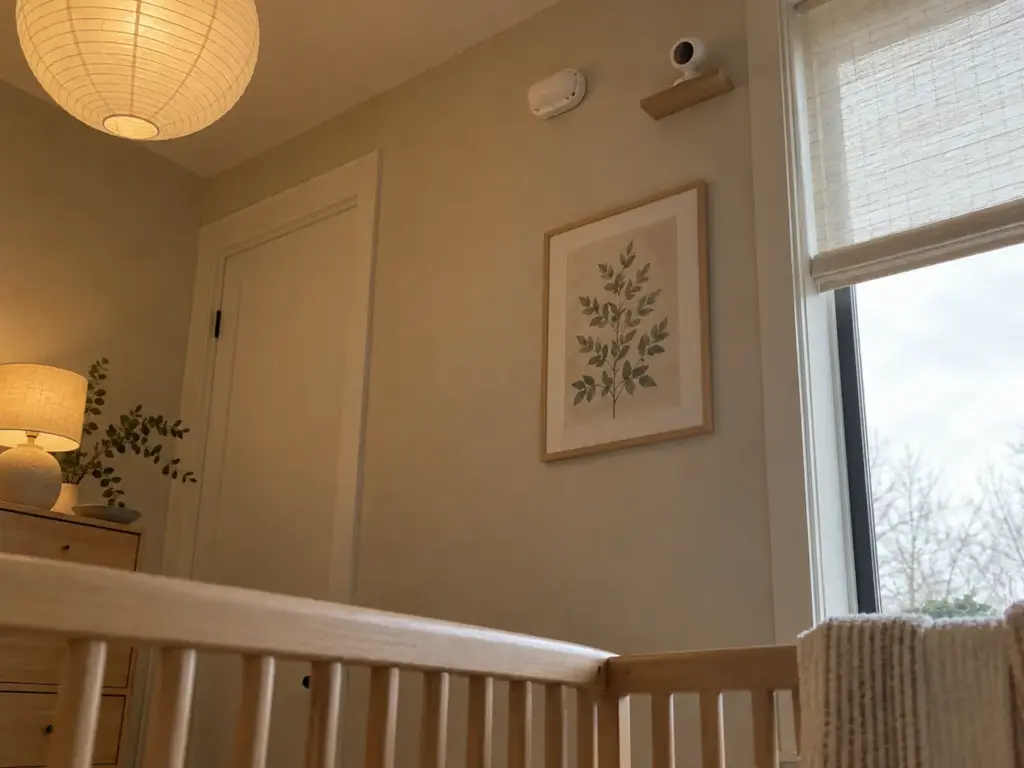
Warm air collects near the ceiling, so a unit mounted high reads the air above the crib, not the air at the crib. A monitor mounted high on the wall can read a few degrees more than the actual room, because it sits where the warm air collects. That is an observation, not a measurement, but it matches the mechanism. The wall unit can say 74 °F while the thermostat in the hall says 71 °F, and both are right about their own air.
Inside a camera that makes its own heat
A camera that reports temperature carries its sensor inside the same housing as its electronics. A camera itself generates heat, which can affect the reading. Camera heat is unmeasured here, and the crib-height check in the next section will settle it for your camera. Moving a standalone sensor around the room for a few days shows where its reading sits, and a reading in the middle of the range is close enough for most nurseries.
The window with the sun on it
A sensor beside a window that takes the afternoon sun reads that glass and the air baked against it, not the room. The same unit on the same shelf can read differently at 7 a.m. and at 4 p.m., and the unit did not change; the sun reached the window. All three problems have the same free fix: move the sensor down to crib height, away from the wall, the camera and the glass, and read it again at the same hour the next morning.
Write the reading and the time on a sticky note for three days. A sun problem repeats at one hour of the day; a placement problem is off at every hour.
The crib-height check, before you trust any monitor
A cheap second baby room thermometer settles which reading to believe, and the budget AcuRite in this guide is built for that job. This section is the nursery version of the full side-by-side method.
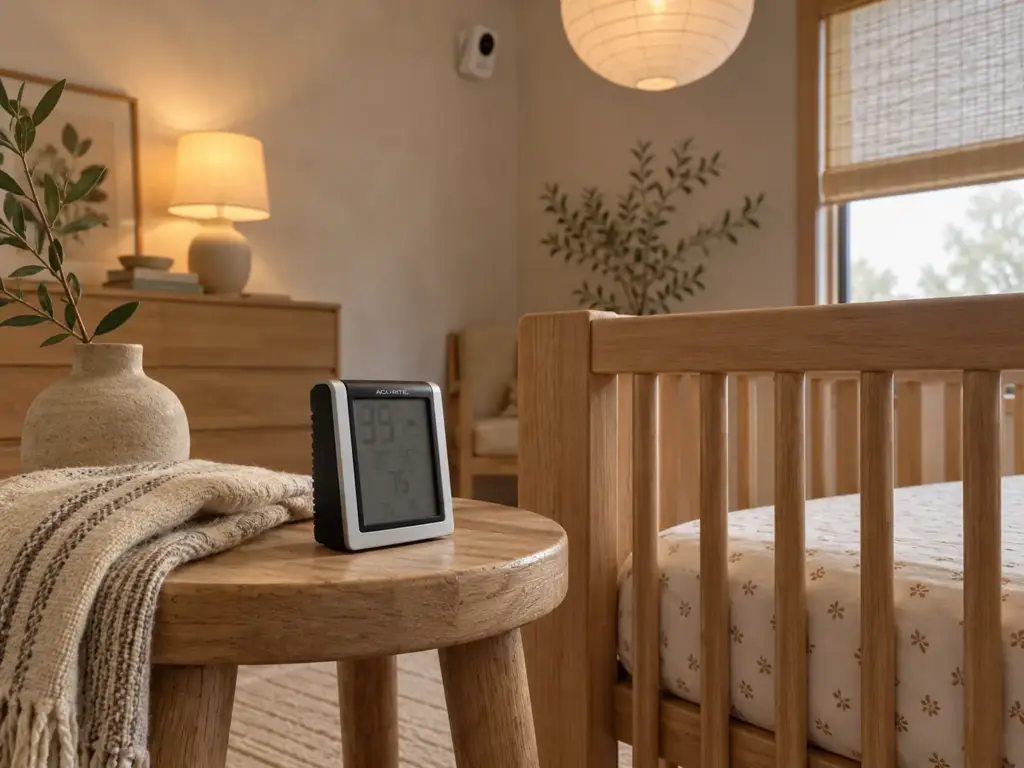
Put a second thermometer where the crib rail is
Set the second thermometer at crib-rail height, with some distance from the wall, the window and the camera, then compare it with the monitor for several days. The same habit works well: put the sensor next to the crib at about the height of the sleeping surface, and compare it with a standalone sensor. Give a unit that was carried in from a cold hall a day in its new place before the comparison means anything, because it needs that long to settle. The side-by-side method, a third unit as referee, and the drift test are all in the two-unit check and the drift test.
What a 2 °F gap tells you
A 2 °F gap between two units sits at the edge of the AcuRite’s stated margin (about ±2 °F) and outside the TP55’s ±1 °F, and it is far outside the ±0.54 °F that Govee lists. So a gap that size does not prove a broken unit. It sends you to placement first, then to drift, and only then to the shopping page.
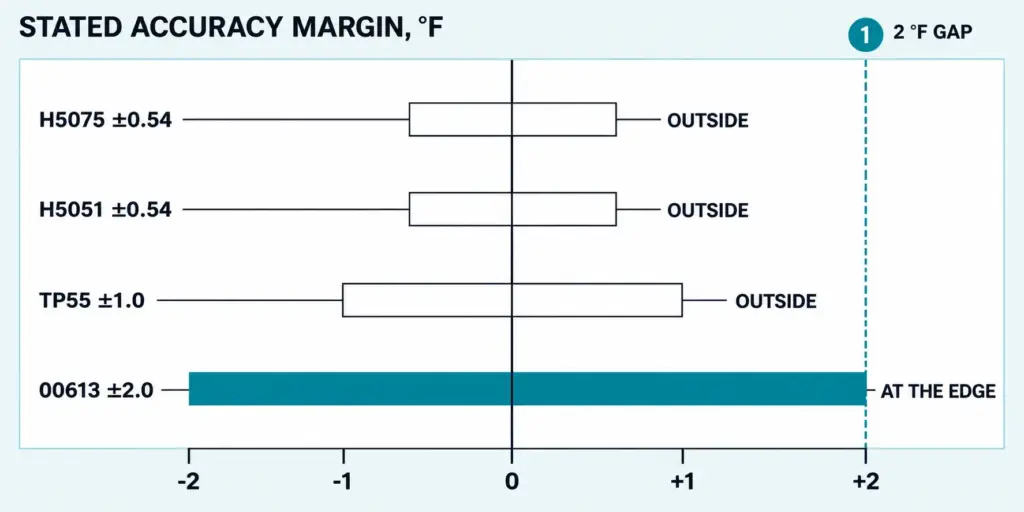
Two units tell you more than one, and the wider-margin unit is not the referee. If your second reading comes from the AcuRite, treat it as a trend line. A device that also reads air quality alongside temperature and humidity changes this check slightly, and monitors that read air quality, humidity and temperature together covers where that sensor belongs.
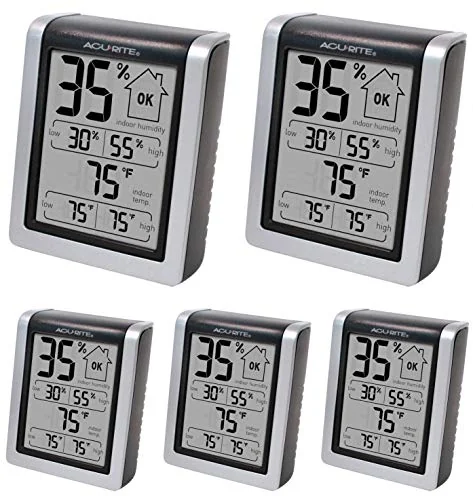
For the second reading itself, the AcuRite 00613 costs little to put on the dresser or the crib rail, and it asks for nothing but a battery.
Fix the room before you buy a second device
If the two readings still disagree after the sensor is moved, or if both are right and the room is simply warmer than you want, the next change is on the house side, not in a shopping cart. One thermostat in the hall sets the temperature for the whole apartment, and the nursery may be the room with the most sun, or the one with a shared wall and a cold spot by the window.
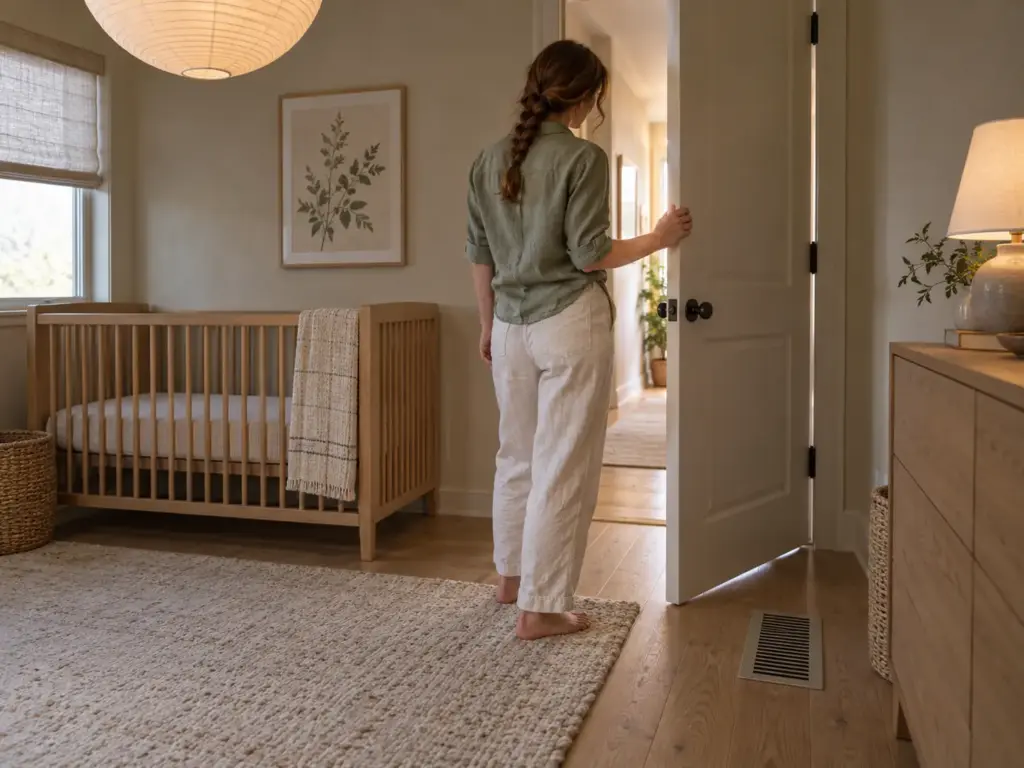
The thermostat is on another wall
The thermostat reads the hall. The nursery can be the hottest room in the house, since it often gets the most direct sun. When the room reads high, the air conditioner may need to run before a nap. For your own room, the second thermometer at crib height tells you how far apart the hall and the nursery really are, in degrees, before you change anything.
A heater, a fan or a door: one change, then read
Change one thing, in this order, free and likeliest first. Close or open a door. Shade the window at the hot hour. Point a fan. Only then touch a heater setting.
Read the second thermometer after each change, before making the next one, because two changes at once cannot be told apart.
A bay window can make a nursery cold enough that a parent reaches for a space heater. Whether and where a heater goes is a question for the heater’s manual; the monitor’s job is to show what it did to the room’s number.
After each change, wait for a full afternoon before the next one. A blind or a half-open door moves the room’s number slowly, and the effect shows in the log by the next day, not in the next ten minutes.
A door left half open changes the room’s number more than a thermostat setting does. The same free-first ladder applies to the humidity half of the screen, and free ways to lower humidity before buying anything puts the steps in order.
The alert that survives month two
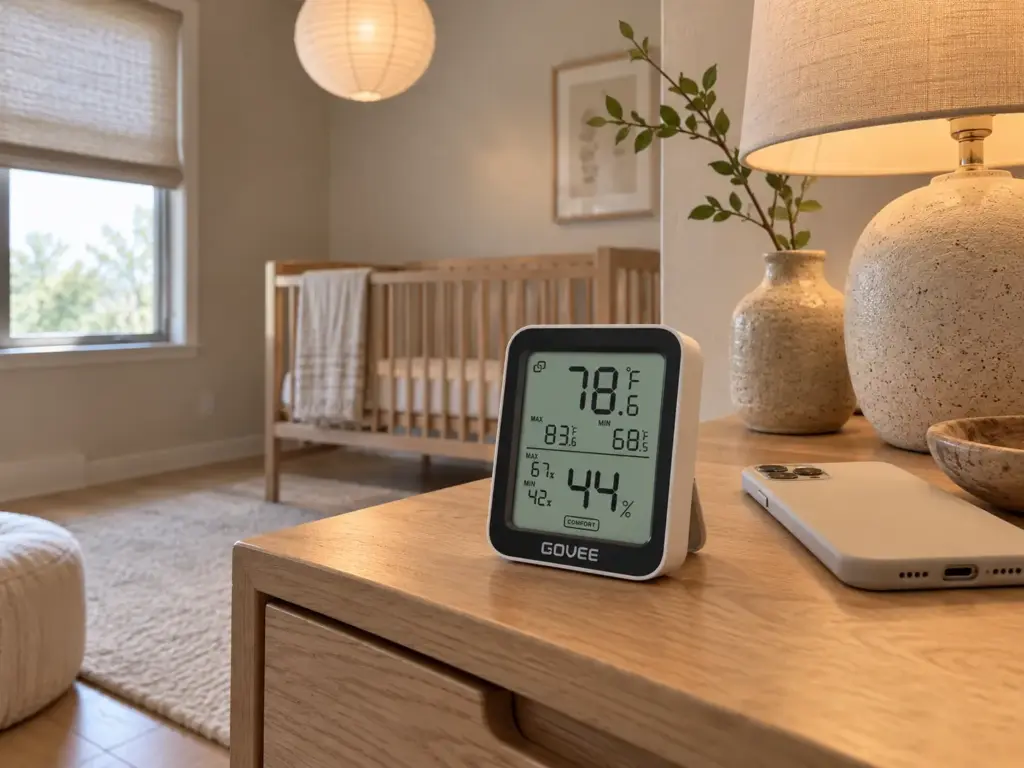
An alert is the feature a monitor is bought for, and it is the one that most often gets switched off. You set it in the first week, and within a couple of days a false alert from the morning sun on the window can teach you to ignore it.
The threshold that stays quiet
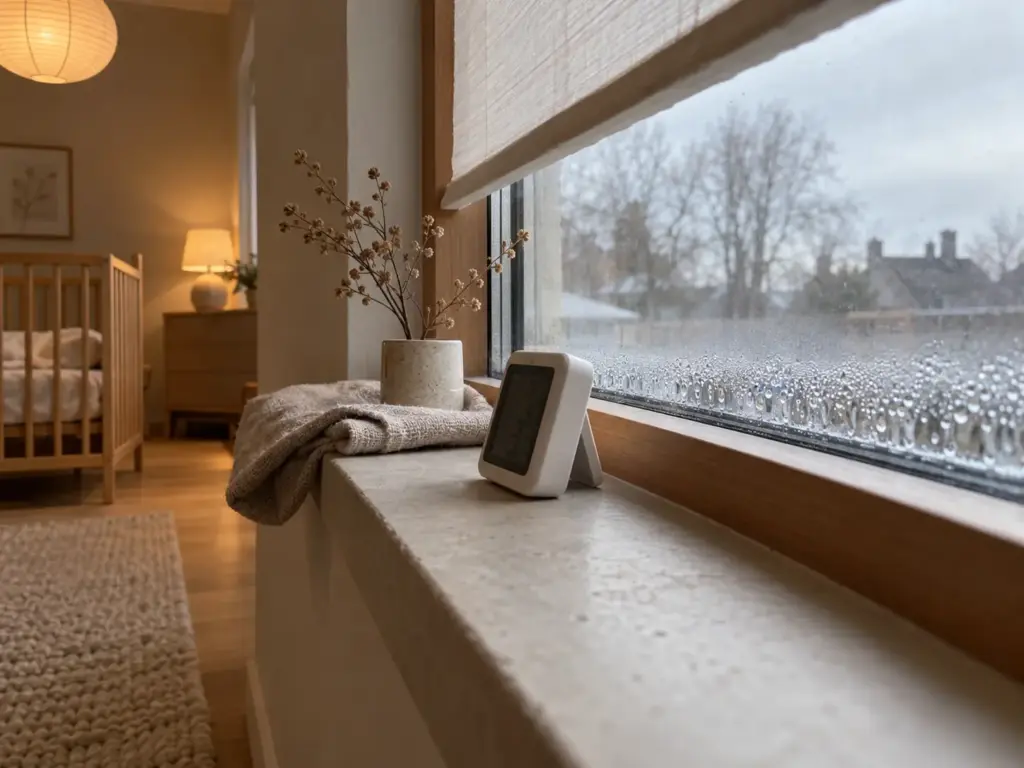
Sunlight on a window can make a monitor send alerts for a small swing. The alerts were too sensitive for the room: the alert threshold sat too close to the room’s everyday swing, so the unit was not necessarily wrong. Set it at the number the room should never reach instead, and the alert stays silent through every sun-warmed afternoon until the day it matters.
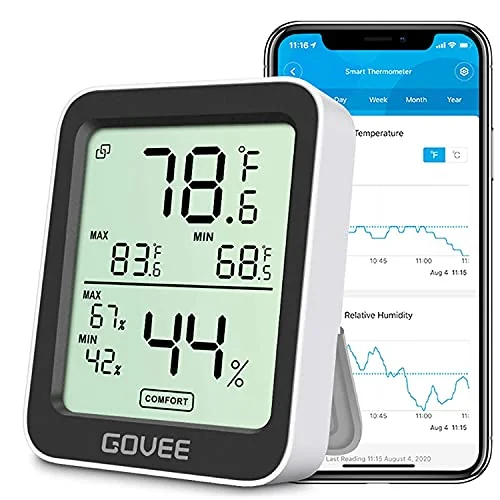
The Govee H5075 sends app alerts when a reading leaves the range you preset, inside its Bluetooth range (164 ft claimed on the listing), and it keeps two years of exportable history. That history is the data for judging month two, because it shows whether the room drifted or the sensor did.
Trigger the alert on purpose before you rely on it. Set the limit one degree below the present reading, confirm the phone buzzes, then put the limit back where the room should never go.
Bluetooth, Wi-Fi and the gateway
Bluetooth alerts reach you only while the phone is inside the unit’s range. A Wi-Fi unit alerts you away from home, but only if the router cooperates. The Govee H5051 joins a 2.4 GHz network and nothing else, so a router set to 5 GHz only will not carry its alert, and that is worth checking before the purchase.
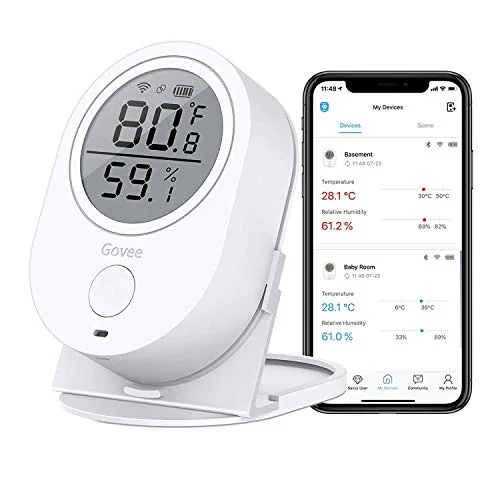
The SensorPush HTP.xw logs 30 days on the unit itself, but remote and cloud access needs the G1 WiFi Gateway, sold separately, so the away-from-home alert there is a second purchase. Customers also report that its Bluetooth reception is poor for some, which is a good reason to place it where the phone can actually reach it. If a monitor’s job here is only an alert that holds through an ordinary week, what the cheapest monitors give up shows what the lower end trades away.
What the box says about humidity against what the EPA says
Every one of these monitors also prints a humidity number, and the band printed next to it is where nursery pages disagree. You will see 40 to 60 percent on some of them, with no source, and a government page that says something narrower. The source is the one to follow.
According to the EPA’s Care for Your Air guide, “Keep indoor humidity between 30 and 50 percent.” The same guide names a humidity gauge as the way to check, which is what the screen on each of these units already is. This guide uses 30 to 50 percent as the house band, and it is a number about the room’s air, not about anyone in it.
To lower humidity, the EPA says to open windows when it is not humid outdoors, or run the air conditioner if it is warm. That is the free fix, and it comes before a dehumidifier. One detail that helps when reading the screen: the humidity half of a reading rises as the room cools, so the same water in the air reads higher in a cooler room, and a reading taken at the cold end of the day sits above the one at the warm end without anything having changed in the walls. For the room-level target, what humidity suits a bedroom goes further, and how to measure indoor humidity at home covers where the gauge should sit.
Power and a reading you can take at night
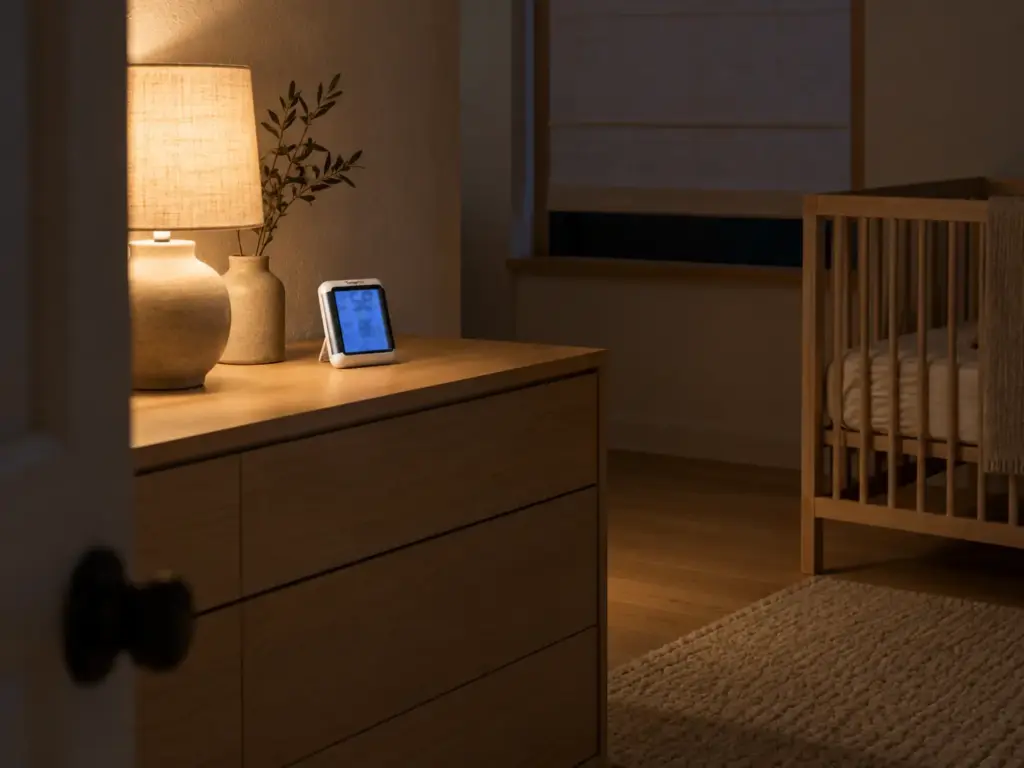
A nursery monitor is read in the doorway at night, so the display, the battery and the cord decide whether you look at it at all. A unit that needs a button press in the dark loses to one you can read from the hall.
Battery or cord
A battery unit can sit anywhere at crib height. A cord ties it to an outlet, which is rarely where the crib is. The trade is plain: a battery moves freely and has to be replaced, a cord stays put and never runs out. The AcuRite takes an AA, the TP55 an AAA that ships in the box, and the Wi-Fi Govee’s reported battery life ranges from over a month to under one, so budget for the swaps.
A backlit reading from the door
The ThermoPro TP55 has a backlit touchscreen, a 10-second refresh, an AAA battery in the box and a °F/°C switch. Its listing title reads TempPro TempAir, but the TP-55 model number matches. One review says others call it inaccurate, and the listing summary does not repeat that, so it gets the same crib-height check as the others.
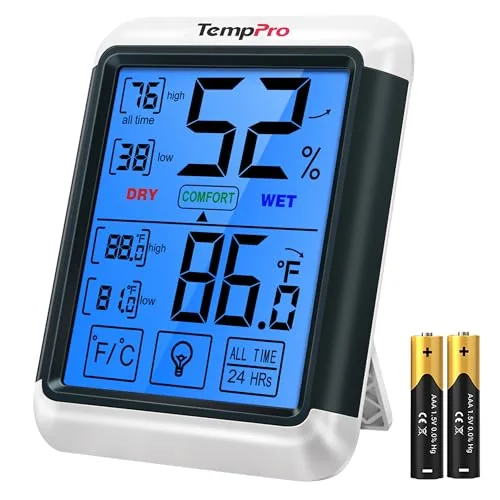
A backlit display is also a light in the room, so whether to switch the backlight off is a choice about your own room and your own routine. The backlight is read from the door in the first week and ignored by the third, and that is exactly when the battery starts to matter.
Month three: drift, batteries and when it is the room and not the monitor
By the third month the sensor has moved at least once, the batteries have started to run down, and the question is whether the number is still right. The unit that agreed in week one may now read two degrees off.
A once-a-month agreement check
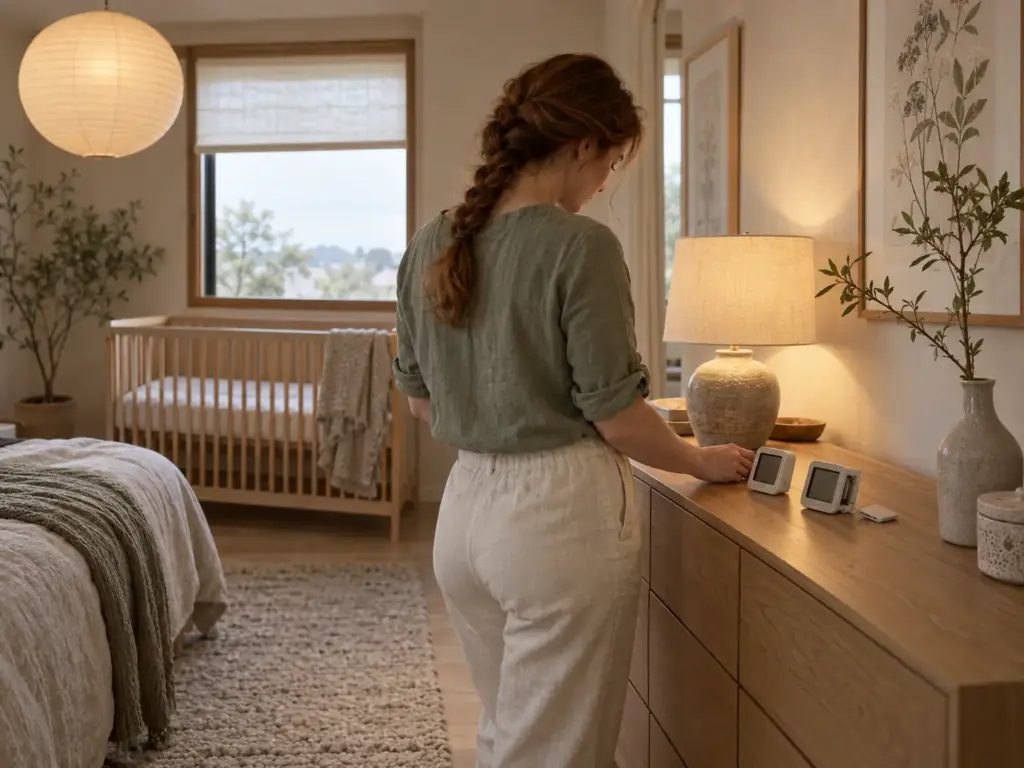
Re-run the crib-height comparison once a month; the method belongs to our main guide. A gap that was not there in week one means drift, a battery or a moved sensor, checked in that order. A battery fading shows first as a display that is slow to wake, before the number drifts. Some buyers of budget units report failures within months and dropped Wi-Fi connections, so check the warranty and the connection before relying on the app.
Write the date of each battery swap on a strip of tape inside the battery door. Then a monitor that starts to read wrong has a date next to it, and you can see at a glance whether the change came with the battery.
When the monitor is fine and the room is not
When two units agree and the number is still high, the monitor is fine and the room is the problem. That is a house question, and the fixes are the ones in the section on the room, in the same order. The same sensor idea applies to other rooms too; the same sensor job in a basement is the closest sibling. If the humidity half of the screen is the number that is off, the humidity number worth aiming for in a home is the next question to settle.
Move the sensor first, judge the monitor second
Three things to carry out of this guide:
- A monitor is worth keeping only after it matches a second thermometer held at crib height, away from the wall, the window and the camera.
- Move the sensor and fix the room before buying a second device; a disagreement between two units is more often a place than a defect.
- Set the alert for the number the room should never reach, not the number it reaches on a sunny afternoon.
Once a month, put the second thermometer back at crib height and read both. A gap that was not there in week one is drift, a battery or a moved sensor, and that check keeps the third month from surprising you.
Tomorrow, move the monitor to crib height, away from the wall, the window and any camera, and read it again at the same hour the next morning. Then set the second thermometer beside it and look at the gap in degrees.
Frequently Asked Questions
01What is the most accurate thermometer for room temperature?
No single model answers it. Compare the stated margins first: ±0.54 °F on the Govee units and ±1 °F on the TP55. Then check whichever unit you pick against a second thermometer at crib height for several days.
02Where should a baby room temperature monitor go?
Put it at crib height, away from the wall, the window and any baby camera. Then compare it with a second thermometer for several days before you trust the number.
03Do baby cameras read the room’s temperature correctly?
Not always. A camera’s own heat can affect a nearby reading, so keep the sensor away from the camera body. Compare the camera’s number with a second thermometer at crib height before you rely on it.
04Why does my nursery monitor’s alert keep going off?
Usually the threshold sits at the room’s edge number, or the sensor is near a sun-warmed window. Set the limit to the number the room should never reach, and move the sensor away from the glass.
05Do I need Wi-Fi for a baby room temperature alert?
No. A Bluetooth unit alerts inside its range. Wi-Fi units alert from away, but the Govee H5051 joins only a 2.4 GHz network, and the SensorPush needs a separate gateway for remote access.