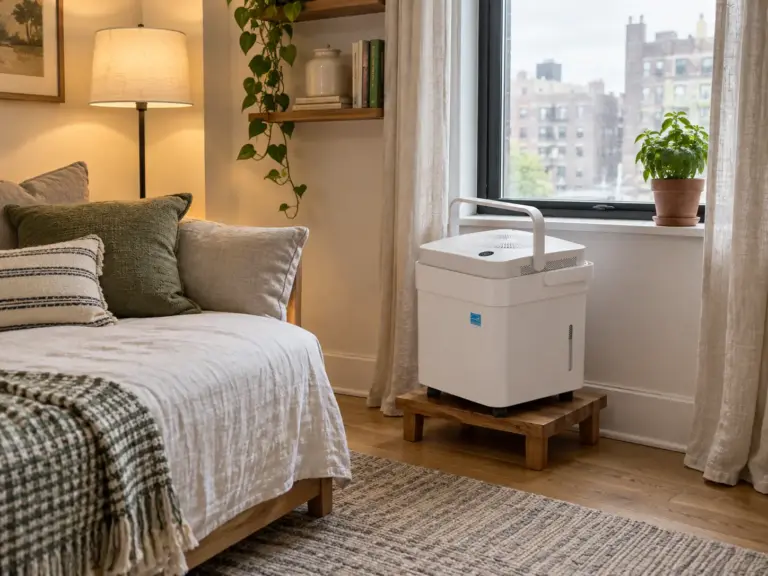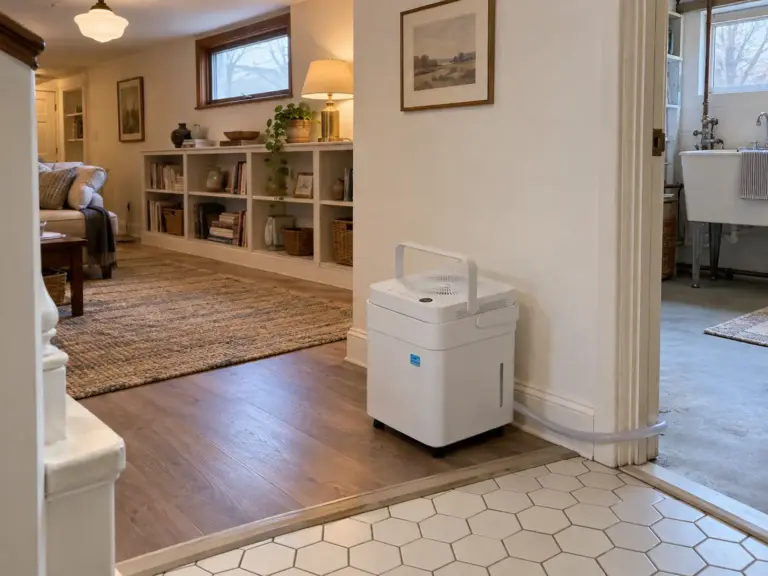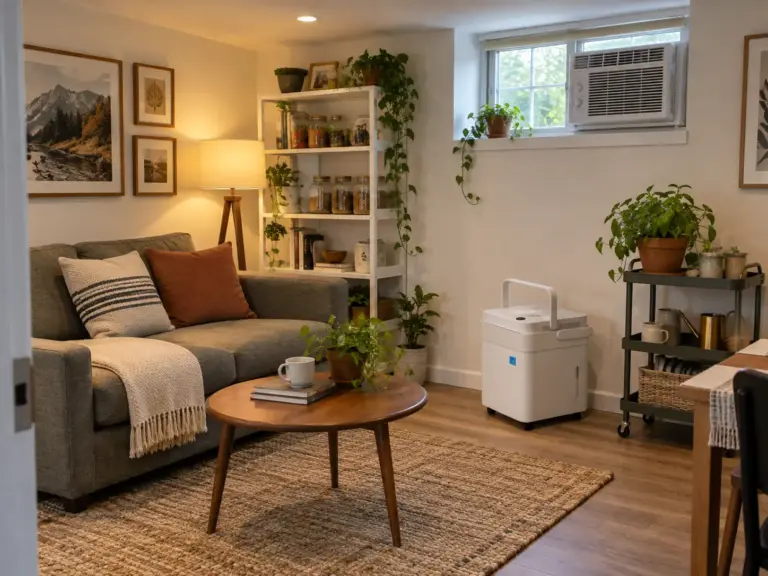
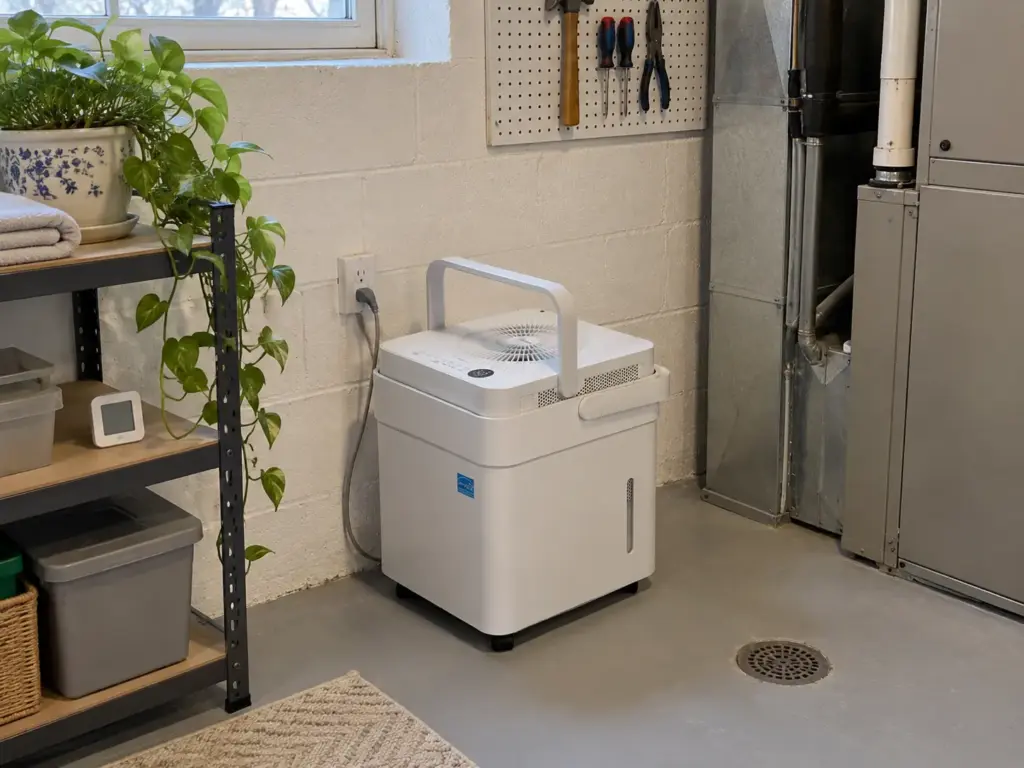
You are standing at the bottom of the basement stairs, the bucket is full for the second time since the weekend, and the room still smells like wet concrete. So how long should you run a dehumidifier in the basement, and is “all the time” the answer or the problem? The compressor is not on a clock: it runs while the room is above the number it was set to and stops once the room reaches it, so the hours are what the room asks for. This article turns that into a setting, a reading and a 24-hour test you can run this week, plus what it means when the unit never stops.
Quick Answer
Run it only while the room reads above your setting, and set the humidistat to 50 percent relative humidity or lower, the top of the EPA’s 30-to-50 band. The unit cycles itself, so the hours are the room’s answer. A unit that never shuts off is undersized or fed by water, not short on hours.
The Humidistat Sets the Hours, Not a Clock
A dehumidifier has no dial for hours. It has one for humidity, so the question that decides the run time is which number you give it. Everything below hangs on that number and on a reading of the room taken with a different instrument than the one that sets it.
What the unit does once the room reaches the setting
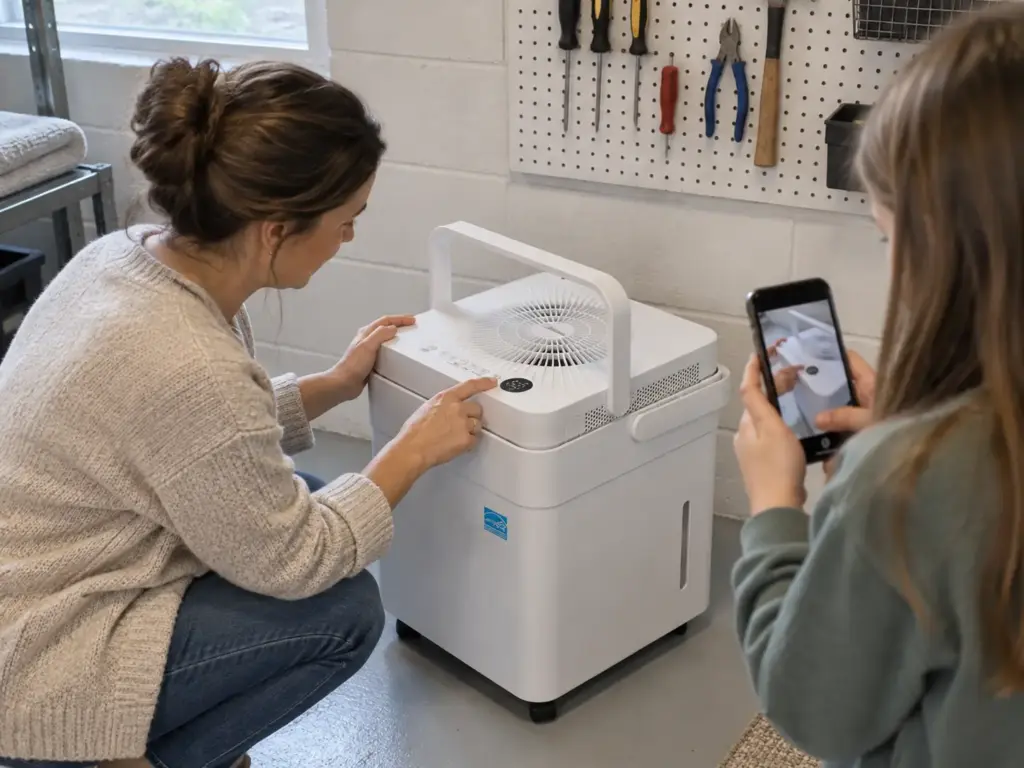
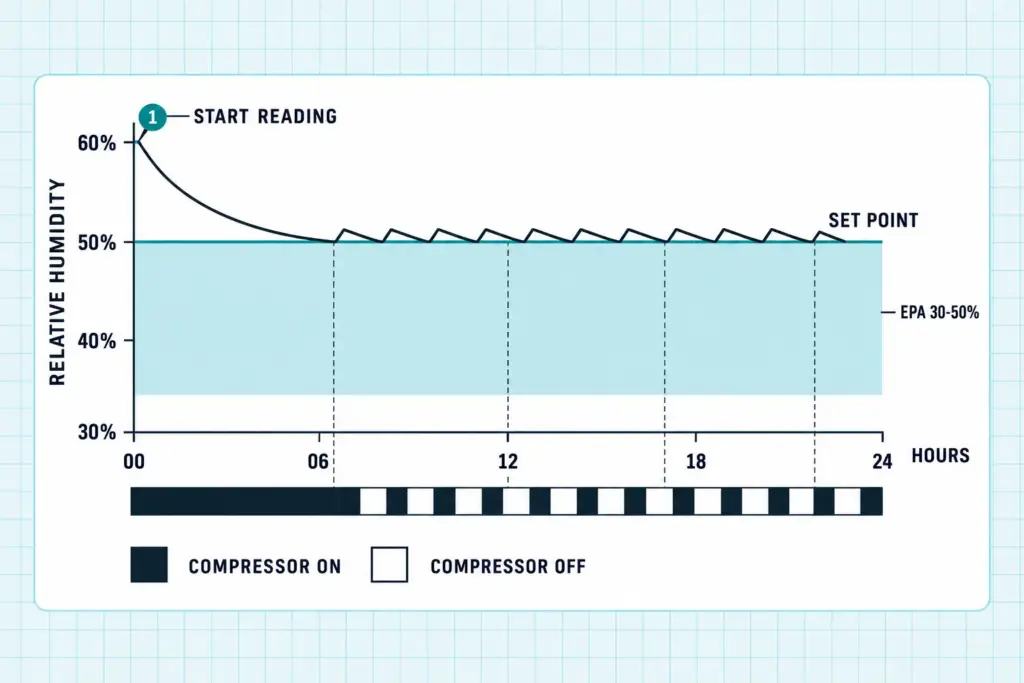
According to ENERGY STAR’s dehumidifier guidance, “Once the room reaches the desired RH level, the dehumidifier will cycle on and off automatically to maintain the level.” Every certified unit carries a built-in humidistat, and that humidistat is the part doing the counting. The target humidity you give it is the only instruction it takes.
Some people leave the unit plugged in around the clock and let it run however much it needs to.
The number it holds should come from a standard, and the one worth using is the EPA’s guide to mold, moisture and your home. It says to keep indoor humidity below 60 percent relative humidity, ideally between 30 and 50 percent. The 60 percent ceiling is the line not to cross, 30 to 50 percent is the target, and your setting belongs inside the target.
Which number sits on the standard and which one is a choice
The standard is the EPA’s band. Everything else is a choice made by someone with a particular basement. Setpoints vary: some hold 40 percent, others 50 in summer and 40 in winter, and some run at 55.
All three are defensible, but only 30 to 50 comes from a public agency, and each point you lower the setting asks the compressor for more of the day.
Reading the whole range is easier with the ideal indoor humidity band open beside the unit.
The Midea Cube 50 is a 50-pint unit with a 4.2-gallon tank, and its listing states a control range of 35 to 85 percent. That range is the point: the machine will accept almost any number, so the band is yours to pick. Budget monitors often drift in their humidity sensor, so treat the number on the display as a first guess and check the room with a second meter, as the next section explains. The full argument over which number to choose lives in what humidity to set a dehumidifier to; here only the part that sets the hours matters.
Why “continuous” is not the setting you want
A continuous mode looks like the cautious choice, since more running must mean a drier room. It does not work that way. Once the room has reached its number, a unit left on continuous keeps the compressor and the meter running with nothing left to remove, and it can pull the room below the band you were aiming for. Leave the unit plugged in, put it on the humidistat, and let it cycle.
Read the Room First: Where the Hygrometer Goes
The setting is a number the unit holds. The room has a number of its own, and the hours come from the gap between the two. The unit’s display reads the air at the unit, so a separate meter in the room comes before any counting.
Why the unit’s own display is not the room
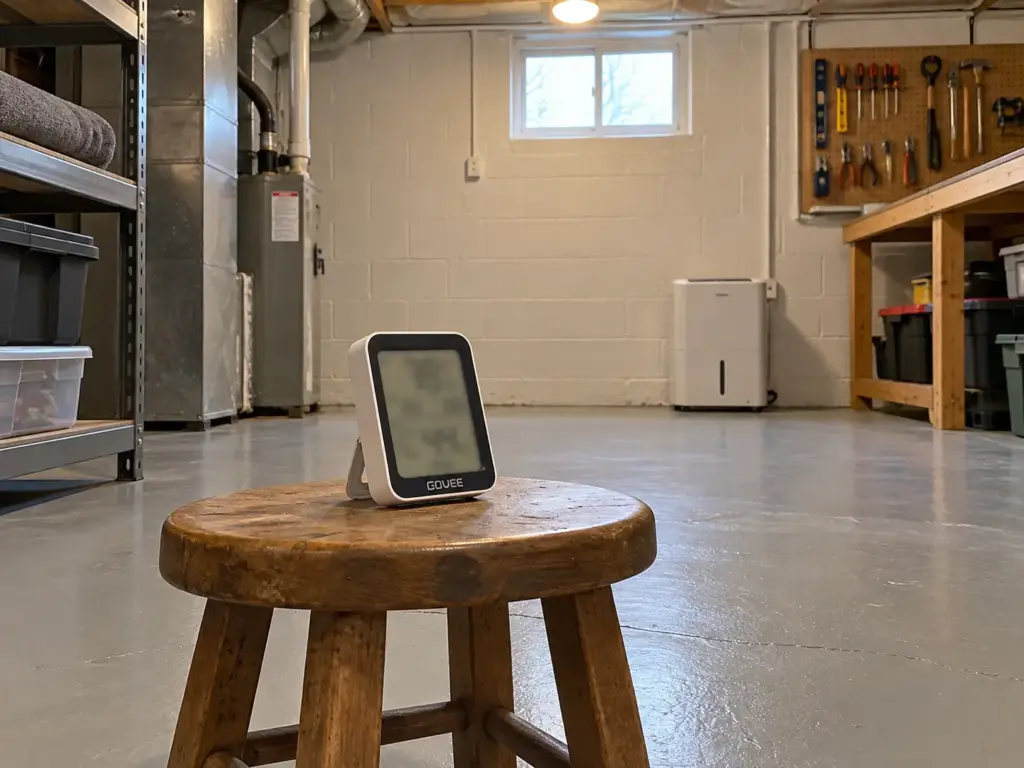
A display on the housing tells you what the unit thinks, and as the Midea reviews above show, units differ in how well they think. Humidity levels are notoriously difficult to measure reliably, which is why an independent check matters. The free step comes before any purchase: write down the unit’s reading and the room’s reading at the same time, on the same line, and keep the habit.
Mid-room, off the cold wall, off the dehumidifier
ENERGY STAR says that when a unit does not show RH, a separate hygrometer should hang near the dehumidifier. For the hours, the better call is the opposite: mid-room, away from the cold wall, away from the unit. The air leaving a dehumidifier is the driest in the room, so a meter sitting on top of it reads great because it is reading the unit’s own exhaust, and that tells you the machine works, not that the room is done. A cold concrete wall does the opposite and reads damp, which is why a humidity sensor that survives cold concrete walls needs a spot of its own.
The Govee H5075 is a Bluetooth hygrometer-thermometer that gives the room’s reading, with humidity accuracy of ±3 percent RH and temperature accuracy of ±0.54°F (±0.3°C) per its listing. It costs a fraction of the dehumidifier it supervises. Some units of this type quit early, and Bluetooth links are the part most likely to be patchy, so treat the first month as a check on the meter too.
What a plus-or-minus 3 point meter can and cannot tell you
Three points either way means a reading of 50 can be anywhere from 47 to 53. That is plenty to hold a setting of 50, and not enough to argue the difference between 45 and 50. If the unit’s display says 50 and the meter says 56, move the meter to a second spot before deciding which one to believe, because two spots that agree and a display that does not make the display the one to discount. Reading the same meter three ways is covered in three readings from one meter.
Before blaming the display or the meter, carry the hygrometer to a second spot in the room and wait for it to settle. If both spots agree with each other and the unit’s display is the odd one out, discount the display and set the unit by the meter.
The 24-Hour Test That Turns Hours Into a Number
With a meter in the room and a setting on the unit, you can stop guessing at hours and count them. The method is one day, one meter on the plug and one hygrometer in the room.
Set the unit, put the meter on the plug, log the room
The whole test is four moves, in this order:
- Set the humidistat to 50 percent or lower, and leave it there for the full day.
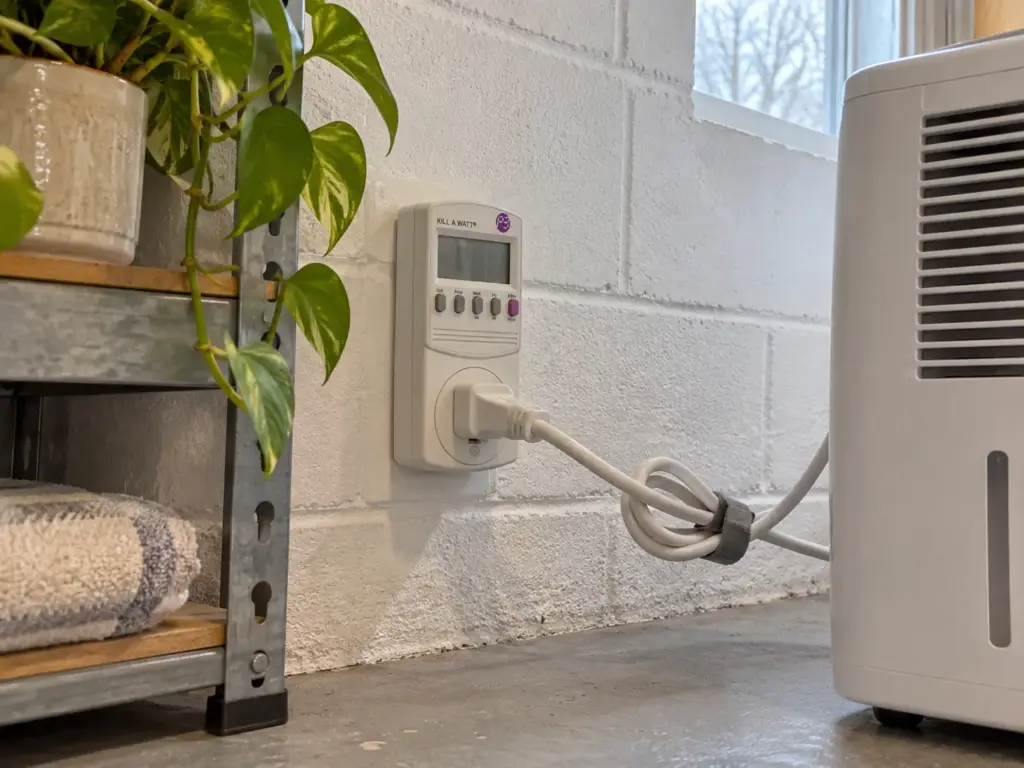
- Put the plug meter between the wall outlet and the unit’s cord, and note the kilowatt-hours it shows.
- Put the hygrometer mid-room and write down its reading and the time.
- At the same hour tomorrow, write down the room reading, the kilowatt-hours and how many times the bucket filled.
Leave the hygrometer exactly where it started for the whole day. Moving it to check another corner changes the reading you are trying to log, and a second spot is a cleaner comparison on a second day.
Count the compressor hours from the plug meter
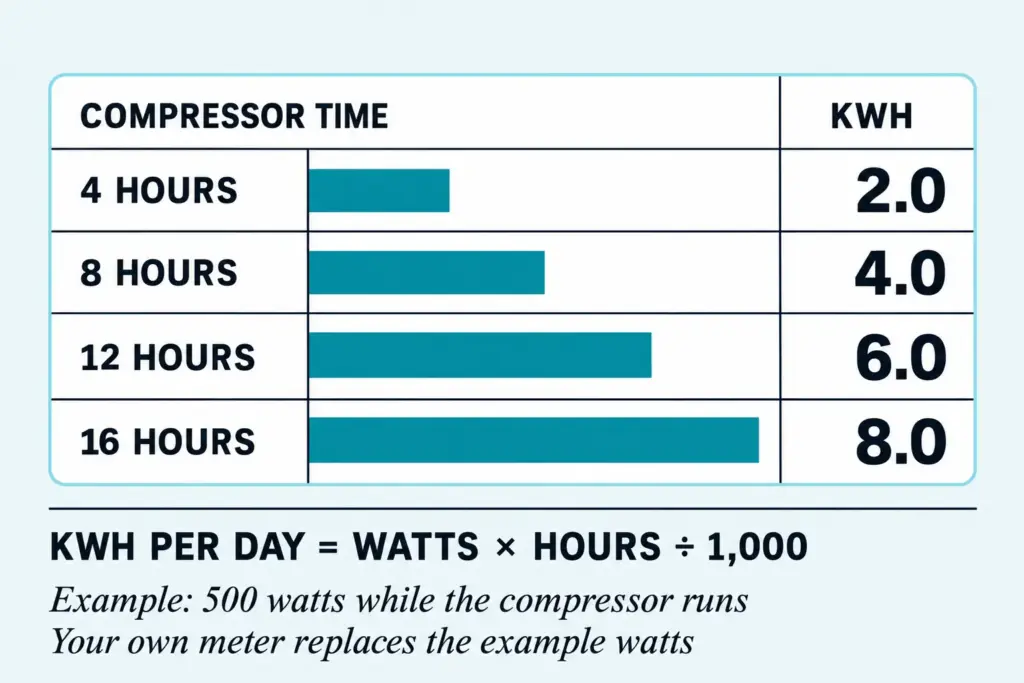
The arithmetic runs backwards from the meter. Take the kilowatt-hours used over the 24 hours, multiply by 1,000, and divide by the watts the meter shows while the compressor is running. If your meter reads 500 watts with the compressor on and 3 kilowatt-hours over the day, that is 3 × 1,000 ÷ 500, or 6 hours of compressor time. That share of the day, the compressor’s duty cycle, is the number the whole test exists to find.
Take the watts from your own meter and nowhere else, and treat the answer as a good estimate rather than a stopwatch.
The P3 P4400 Kill A Watt does this job as a plug-in watt meter. It sits between the wall and the cord, its listing states accuracy within 0.2 percent, and it reads 115 V plug loads only, so it cannot measure a hardwired or 240 V unit. Some units fail within the first week, so keep the return window in mind.
A dead meter shows nothing, so plug a lamp into it first and confirm it displays watts before the day starts. Without a plug meter, the bucket gives a rougher count: write down how many times it fills in the 24 hours.
Putting the dehumidifier on a smart plug and comparing run intervals to the humidity that results is a habit worth copying. It is not a standard, but it is the same idea.
Read the result: hours, bucket fills and the room’s reading
Three numbers come out of the day. A few hours of compressor time with the room holding its setting is a unit doing its job. A unit that runs the full 24 hours and never brings the room to its number is a different case, handled further down, and it often points to how many pints a basement needs rather than to more hours.
The pint rating on the box describes one condition, not your basement. The GoveeLife listing below states 50 pints at 65°F (18°C) and 60 percent relative humidity over 24 hours, and a basement with a cold wall does not share that condition, so the rating is a ceiling, not an hour count.
In a basement near its setting, the log looks like a small wobble: the reading drifts up, the compressor comes on, the reading drops to the setting, the compressor stops. The room holds at or just above the setting while the compressor cycles, and the hours are whatever those cycles add up to.
The First Wet Run Is the One Exception
Everything above assumes a basement already near its setting. A basement that has never been dried is a different start, and the first run is the one time “runs all the time” is the right behavior.
Why a new or damp basement runs flat out at first
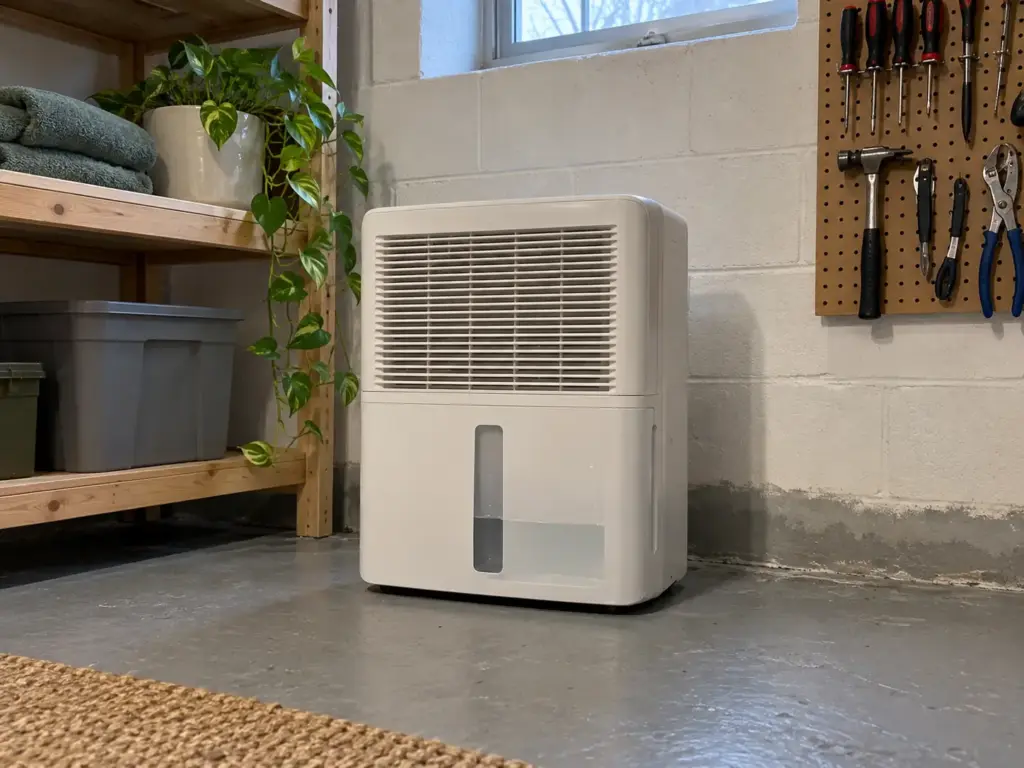
A unit that has never dried the room runs close to nonstop until the room reaches the setting. This is the pull-down, and the humidistat has nothing to cut during it because the room never gets there. Once it does, the humidistat takes over and the hours drop.
A calendar number is the wrong thing to plan around, because how long the pull-down takes depends on how wet the room was when you started. Read the bucket and the meter instead.
When to start reading hours instead
Start the 24-hour test after the first dry reading, not during the pull-down. The bucket gives it away: it fills fastest in the first day and then the fill rate falls, and a fast-falling fill rate is the sign the pull-down is ending.
Watch the bucket, not the calendar. When it fills noticeably less than it did the day before, the pull-down is winding down, and the morning after that is the right time to begin the 24-hour test.
When the first run never ends
If the room never reaches the setting after the pull-down, that is a size or water problem, covered next. And after a flood or a leak, this is no longer a run-time question: the first call is to the people who dry wet materials, and the EPA guide covers the building-level steps. The order that puts the machine last is in keeping basement humidity low with the dehumidifier last.
When It Never Shuts Off: Size or Water
A unit that never stops is the question behind the question. The hours are not too few; the room is asking for more than the unit can take out, or something is putting water back in.
Undersized: the unit that cannot catch up
ENERGY STAR’s advice is that it is better to oversize than undersize, and the reason shows here: a unit that runs the full 24 hours and never reaches the setting is undersized, or a water source is feeding the room. A small unit in a big room is the budget trap. The Midea Cube 20 is rated for 20 pints a day and 1,500 square feet, with a 3.2-gallon tank, and in a small basement it does the same job as the Cube 50 for a fraction of the cost. In a bigger room it runs and runs.
Some units also fail within hours of first use, so keep the receipt and test it early.
When even a larger unit cannot keep up, a dehumidifier or an air conditioner in the basement is the comparison to make.
A water source feeding the room
If the basement reads wet within a day of rain, the water is coming from outside: the grading, the gutters or the downspouts. Water intrusion of that kind is a building problem, a dehumidifier cannot dry a basement that is taking in water, and more hours would only mask the leak. This is the point where the problem is no longer the air at all, and where a longer run time makes it harder to see.
The bucket as the limit, and the drain that removes it
A full bucket shuts the unit off, and a unit that stops because the bucket is full is not at its setting. The room keeps climbing while the plug meter shows nothing.
Should a dehumidifier fill up every day? In a damp basement during a wet week, yes. Every day for weeks means size or water.
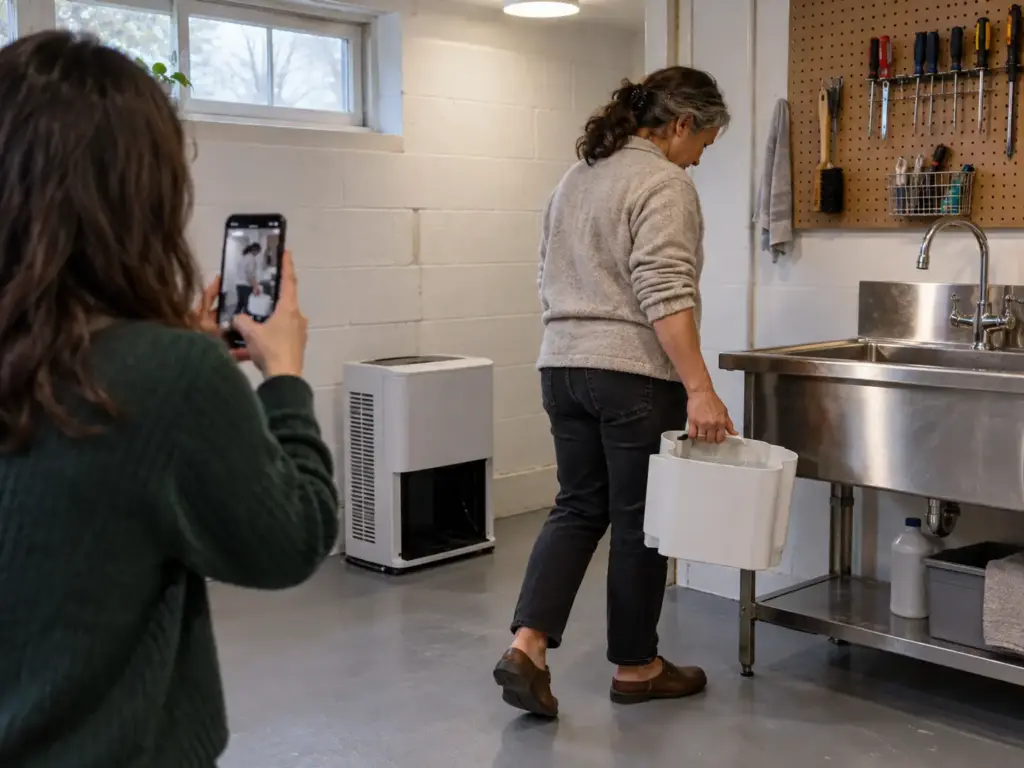
When the room reads above the setting and the unit sits silent, look at the bucket before anything else. A full bucket adds zero hours to the plug meter while the room climbs, and it is the cheapest cause on this list to rule out.
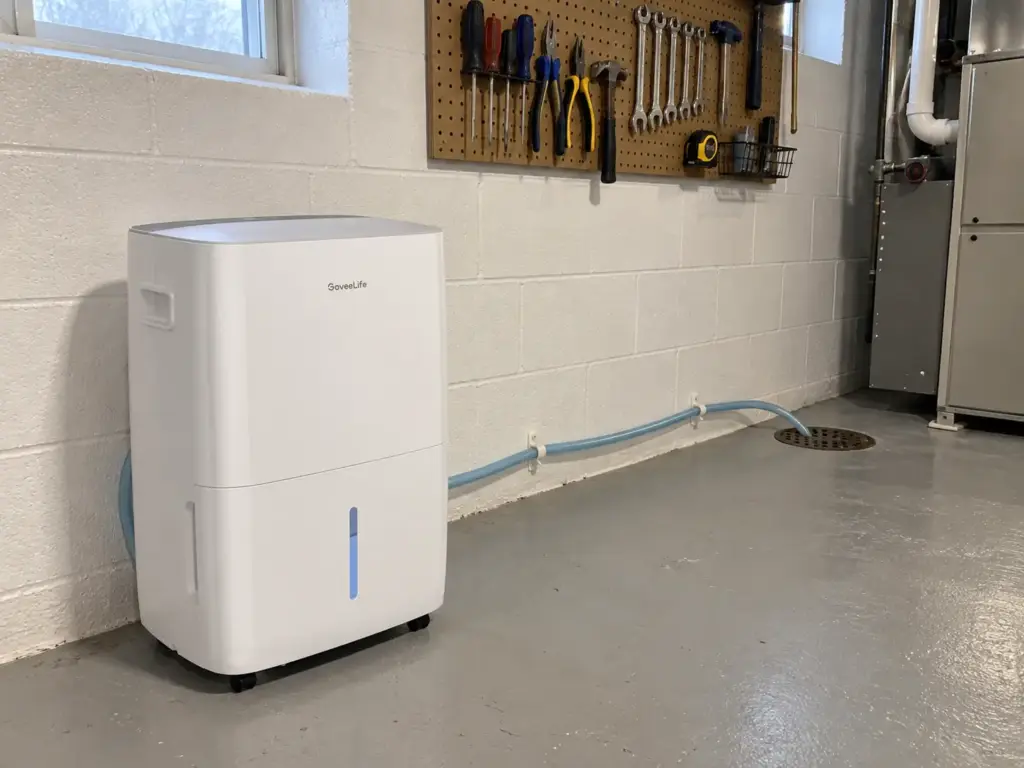
A drain hose or a built-in pump removes the bucket as the limit on hours. A hose can run by gravity to a floor drain or a sump pit, and a pump lifts the water to a sink or out a window.
The GoveeLife 4,500 sq ft with WiFi and a built-in pump carries a 16-foot external hose and a 1.8-gallon tank, and its listing rates it at 50 pints at 65°F and 60 percent RH. No repeated complaint was readable for it, because Amazon showed “Sign in to see customer reviews” instead of review text, so that gap is the honest answer. What can be said is that 65°F is a ceiling, not what a cold basement delivers.
Where the hose should end is covered in where to drain a basement dehumidifier, and the broader choice is in a unit with a pump and a drain hose.
The Cold-Basement Stop: When Running Removes Nothing
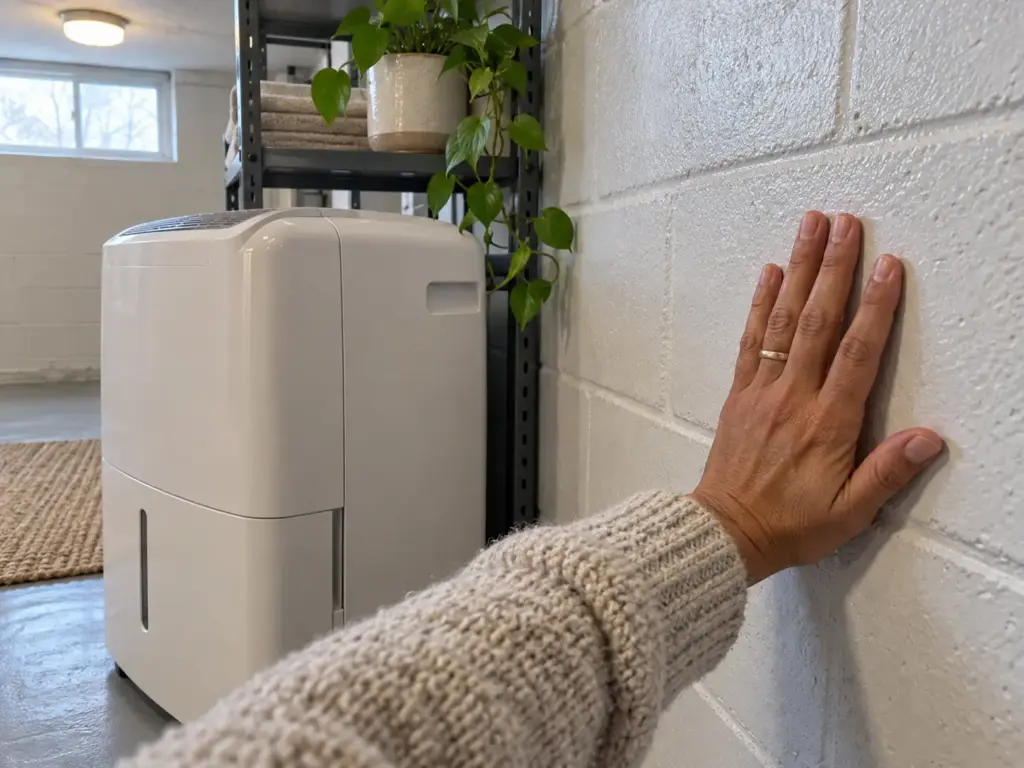
A unit that runs does not always remove water. In a cold basement the hours can pile up while the bucket stays empty, and the cause is a temperature, not a setting. ENERGY STAR’s dehumidifier guidance says frost can form on the condensing coils if the air temperature drops below 65°F (18°C), and the compressor then cycles without removing moisture.
The coils work by condensation, and when they frost over, the condensation stops. Some units carry an anti-frost sensor; where one does not, ENERGY STAR’s advice is to switch off and let it defrost.
The check is simple: a basement that feels cool in the morning and a bucket that stays near-empty after a full day is a frost case, not a case for more hours. The hours can look healthy on the plug meter and still be useless, since the meter shows the compressor running and only the bucket shows whether it removes anything. The unit’s own manual is the next stop. The 65°F figure also explains the pint rating’s condition above, and it is the first filter in checking the 65°F rating first.
The Season Curve: Read the Room, Not the Month
The hours in July and in March are not the same, and the calendar is the wrong thing to read. The number that changes is the room’s reading, and that is what says which season the basement is in.
Why summer and spring ask for more hours
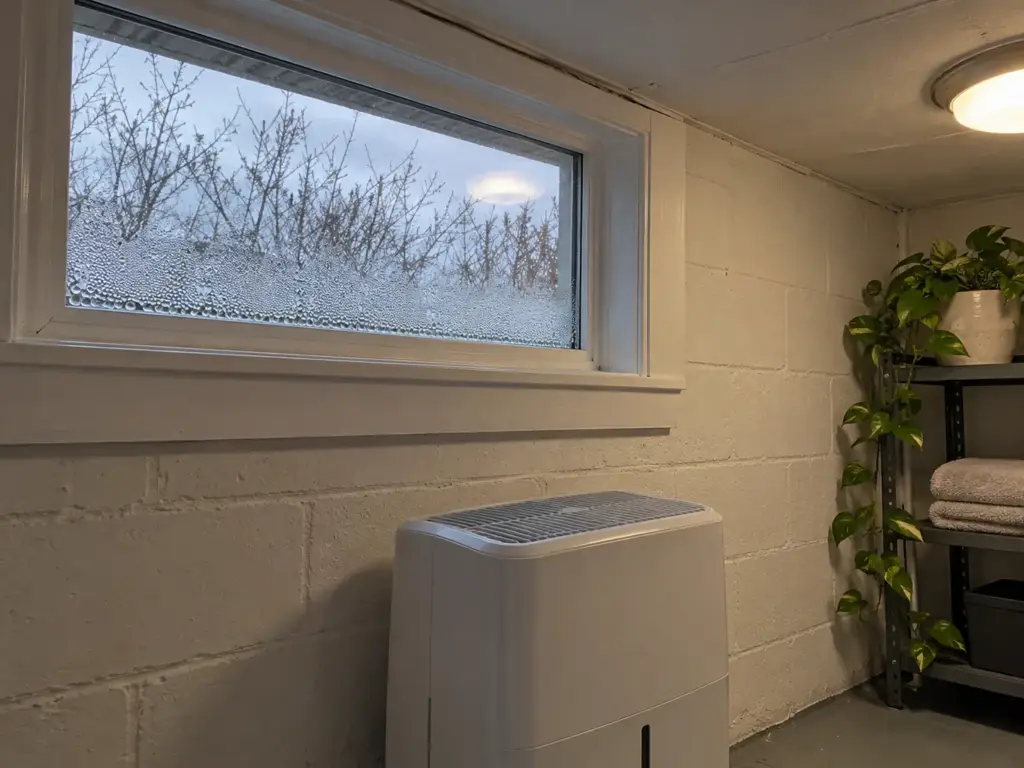
The EPA band is the same in every season. What moves is how much moisture enters: rain, wet soil and humid air in the warm months, drier and colder air with a cold wall, and sometimes window condensation, in the heating months. A basement in a suburb with humid summers and cold winters, a standalone unit, and a central-AC vent running into the basement is a common case. That mix is common, and it explains why which season is worse for a basement depends on the wall as much as the weather.
What a quieter winter looks like on the meter
The unit runs a little less in winter but still runs. It is cycling to its setting; the hours change with the moisture entering. The unit is cycling to its setting; the hours change with the moisture entering. Setpoints like 50 in summer and 40 in winter are a choice, not a standard, and the lower winter number belongs with the winter basement band. Whether to run the unit at all in the heating months is its own question, answered in whether to run a dehumidifier in winter.
The month question, answered with a reading
One household does a winter shutdown, unplugging the unit every November, and another never does, and both can be right for their basement. The reading decides. When the room is above the setting with the unit off, it is a month for the unit. When it reads below the setting with the unit off, it is not.
What Changes by Month Three, and What the Hours Cost
A test in week one tells the truth about week one. By month three the bucket, the filter and the meters have all had their say, and the hours the room asked for have become a number on a bill.
Watts times hours is the bill
Kilowatt-hours per day equal watts times hours, divided by 1,000. Multiply that by the rate on your own bill and you have the daily running cost without a single price from a blog. Your plug meter supplies the watts. The relationship is a straight line, so a unit running 12 hours has three times the energy use of the same unit running 4.
Efficiency changes the watts, not the hours. The Department of Energy’s consumer dehumidifier page says ENERGY STAR qualified dehumidifiers use about 15% less energy than a conventional unit, which lowers the cost of each hour without shortening the hours the room asks for.
The bucket, the filter and the coil at month three
Clean the removable filter and the bucket on the schedule the manual sets. A filter with a gray film makes the unit run longer for the same result, so the hours of month three can be higher than the hours of week one in the same room at the same setting. The difference is the filter, the season or the water, and it is worth finding which one.
Re-run the test the same weekend you clean the filter and the bucket, and write the compressor hours next to the first figure. Close numbers mean the room is unchanged; a gap points to the filter, the season or the water, and that is the order to check them in.
When the meters themselves drift
Some hygrometers quit within 6 months, and a plug meter that dies in a week reads nothing, so a number that has moved can be a message about the room, the filter or the meter. Check the meter first, since it is the free step: put it beside the unit’s display again, as in the first test. When the room is the cause, lowering humidity with the free fixes first is the order that keeps the dehumidifier from doing the whole job.
Set the Number Tonight, Read the Room Tomorrow
Three things carry the rest. The humidistat, set to 50 percent or lower, sets the hours. A 24-hour test with a hygrometer mid-room and a plug meter turns “how long” into a number you measured. And a unit that never shuts off is a size, a cold or a water problem, not a call for more hours.
Run the test again once the unit has been working for a few months, with the same setting and the same meter spot, and read what moved: a filter, a season, a leak or a meter that has drifted. If the setting is fine and the unit itself is the problem, choosing a dehumidifier by room is the place to start.
The one change for tomorrow is small. Set the humidistat to 50 or lower, put the hygrometer mid-room, and write down the reading at the same hour 24 hours from now.
Frequently Asked Questions
01Should I leave my basement dehumidifier on all the time?
Leave it plugged in and let the humidistat cycle it, but do not leave it on a continuous setting after the room reaches your number. Continuous mode keeps the compressor running with nothing left to remove.
02How much does a dehumidifier run up your electric bill?
Watts times hours, divided by 1,000, gives kilowatt-hours per day; multiply that by the rate on your bill. A plug meter supplies the watts, and doubling the hours doubles the energy.
03What month should you run a dehumidifier in your basement?
Run it in the months when the room reads above your setting with the unit off. The reading, not the calendar, decides, and winter specifics are covered in the winter article.
04Should a dehumidifier fill up every day?
In a damp week, yes. A bucket that fills every day for weeks means the unit is undersized or a water source is feeding the room. A bucket that stays near-empty in a cool room points to frost on the coils.
05How long should a dehumidifier run per day?
As long as the room is above the setting. Run the 24-hour test: compressor hours from the plug meter, room reading from a hygrometer placed mid-room, and read the two together.